Operational Deflection Shapes: From frequency peaks to understanding structural motion
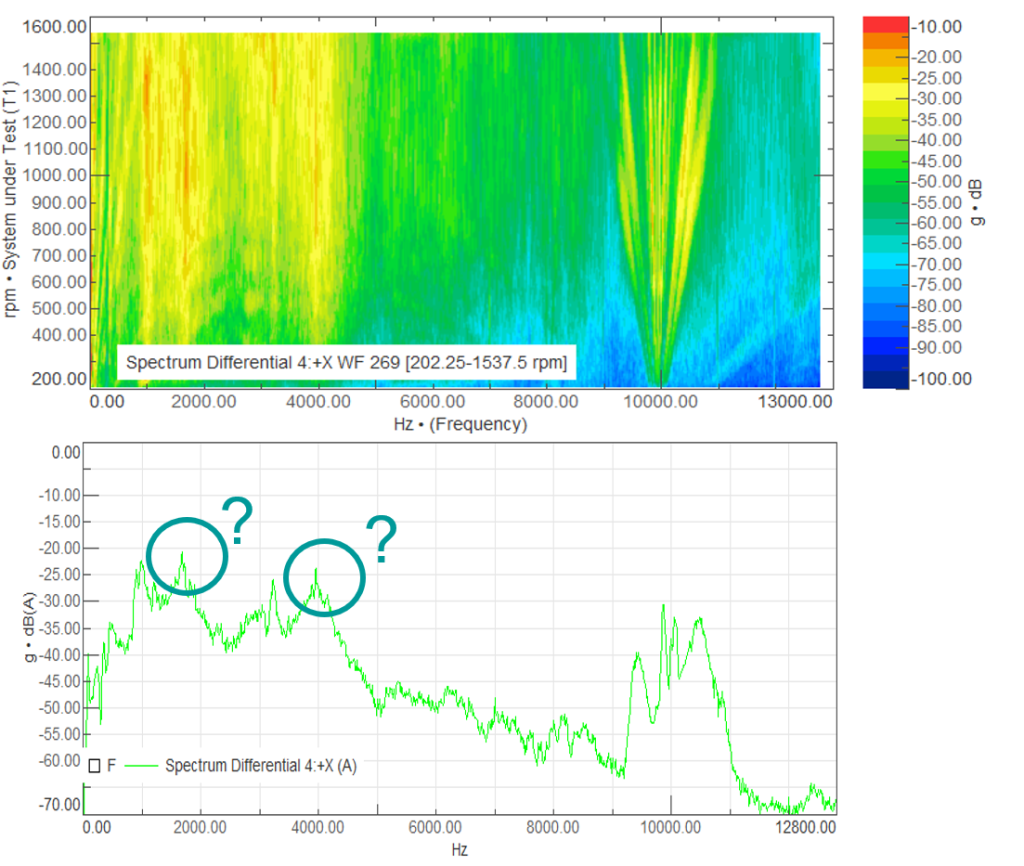
In this blog it is described how operational deflection shapes can be used for a more profound NVH (Noise, Vibration and Harshness) analysis. Every NVH investigation often starts with the same question: a noise or vibration issue has been detected, but where does it come from? A peak in a frequency spectrum confirms that something is happening at a certain frequency, but it does not explain how the structure is moving, which component is mainly involved.
This is where Operational Deflection Shape analysis, or ODS, is useful. ODS visualizes the vibration pattern of a structure under real operating conditions. Instead of looking only at individual response curves, we can animate the motion of the measured component and evaluate relative amplitudes and phases at different locations.
For test and simulation engineers, the method is practical because the required inputs are often already available: a geometry or model, a defined set of measurement points, and operating data. With a focused instrumentation plan, ODS can help identify whether a housing, bracket, gearbox, suspension component, or complete powertrain is moving in a way that is relevant to the observed NVH issue.
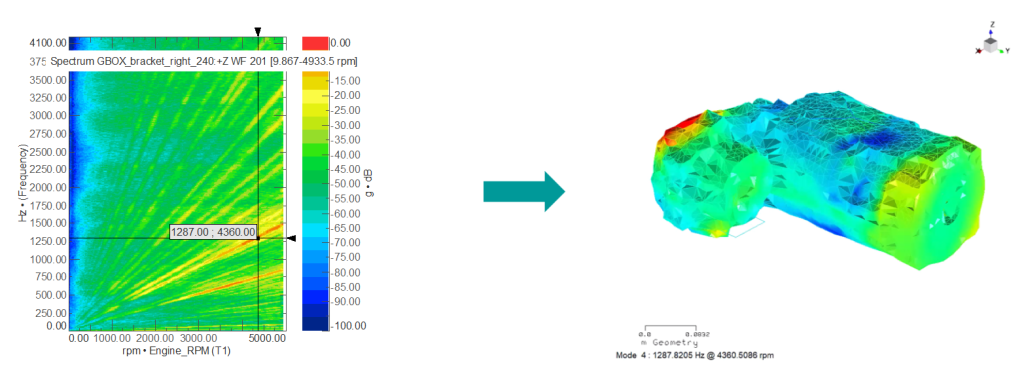
ODS can give in some cases sufficient insight in the NVH issue or can be an early step in a broader troubleshooting workflow. Once the operational motion is understood, two follow-up analyses are particularly useful:
- Experimental or simulation-based modal analysis can help determine which structural mode shapes are related to the observed operational vibration, see case study below.
- Transfer Path Analysis can help quantify how vibration energy travels from the source to the receiver. In this case, the objective is to identify which path contributes most and whether the target vibration is mainly driven by the source or by the receiver path. With in-situ TPA, the source can remain installed in the vehicle or assembly, enabling troubleshooting directly on the complete system.
In this blog, we focus on ODS itself: when to use it, how to prepare and execute the workflow with Simcenter hardware and software, and how the method can be applied to an e-powertrain case study.
A practical workflow for Operational Deflection Shapes
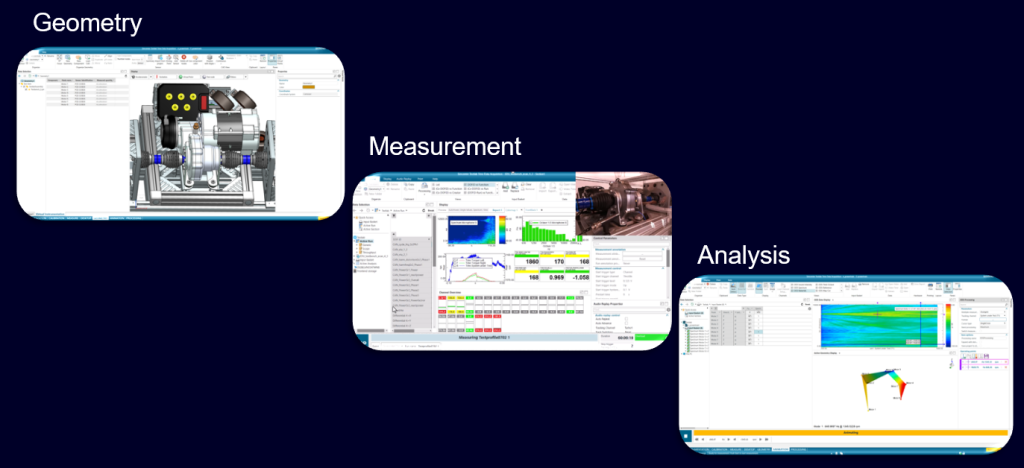
A reliable ODS analysis starts before the measurement. The objective is to select measurement locations that capture the expected vibration behavior of the component. Sensors should not all be placed in one zone but smartly spread over the evaluated component to cover its shape as good as possible. Previous experience, engineering judgment, simulation results, or a preliminary modal analysis can help to find the best measurement locations.
The ODS workflow can be structured into three main steps: measurement preparation and geometry creation, operating data acquisition, data processing and results visualization.
Measurement preparation and geometry creation
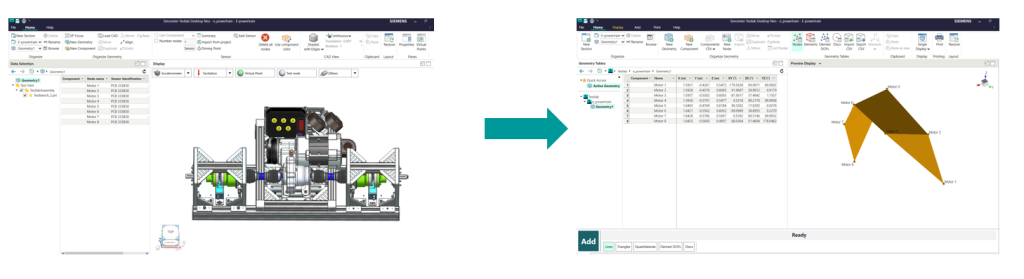
Geometry definition is the first step in ODS preparation. A wireframe model of the component is required for sensor placement and deformation visualization.
When CAD data is available, it should be used as the primary source. The CAD geometry enables virtual positioning of sensors at planned measurement locations prior to physical testing. This approach offers two advantages: it ensures correspondence between intended and actual sensor placement, and it streamlines wireframe model creation through direct CAD import rather than manual geometry reconstruction. When CAD data is not available, one can use either a CAD scanner or simply free of use applications on cell phones. Wireframes based on these CAD data can be still sufficiently precise and offer an efficient alternative.
Once the component geometry is defined and virtual sensors are positioned on the model, the model serves as a reference template for physical sensor positioning. This correspondence between virtual and physical instrumentation ensures that measured data directly correlates to the geometric model used for ODS visualization.
Time data acquisition
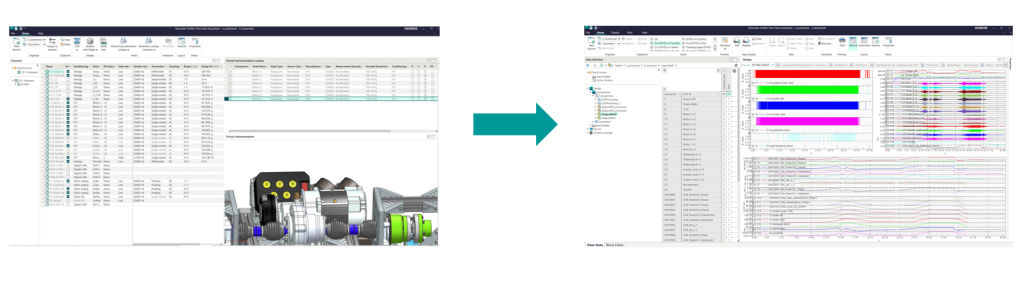
Second, perform the measurement. In Simcenter Testlab, this can easily be done with Time data acquisition. First the measured channels are assigned to the corresponding virtual instrumentation.
The component is then operated under the relevant conditions, the time data is recorded, and the signals can be checked and validated to confirm that all accelerometers measured correctly before moving to processing. Important note for your data processing, always compute Spectrum and not Auto Power for the frequency domain data. One needs the phase of each sensor to visualize relative movement of the component.
Data processing and Operational Deflection Shapes results visualization
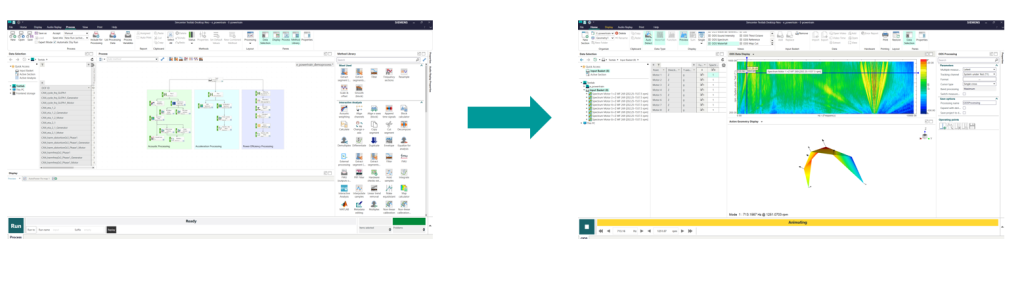
Third, process the data and visualize the operational motion. With Simcenter Testlab Process Designer, the measured time data can be processed into order cuts, frequency-domain results, for example using a spectrum map or spectrum average approach. The resulting ODS animation then provides a first view of the structural dynamics at the frequencies of interest. The operating points are stored in the active section and can be used for reporting and visualization.
Case study: Operational Deflection Shapes on an electric powertrain
After introducing the basic workflow, we can look at a more advanced example: an ODS analysis on an electric powertrain.
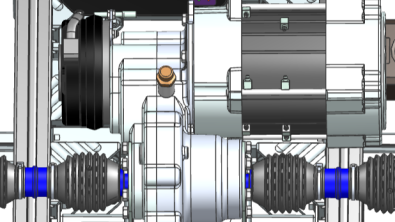
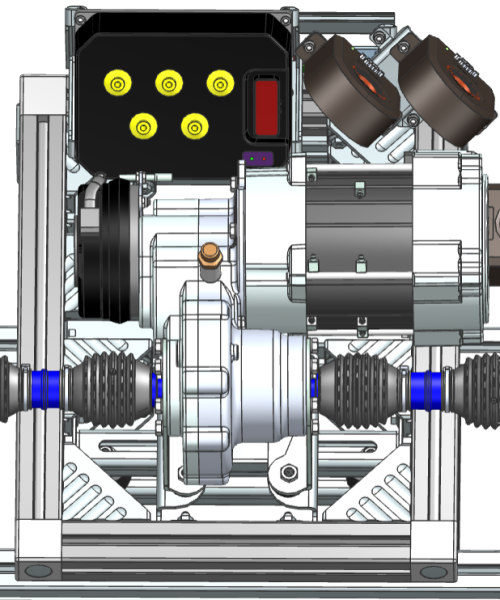
In this case, the analysis focuses on an e-vehicle powertrain, including the e-powertrain, gearbox, and attachment brackets. Accelerometers are positioned to capture the global powertrain behavior and to provide sufficient information for comparing the operational vibration patterns.
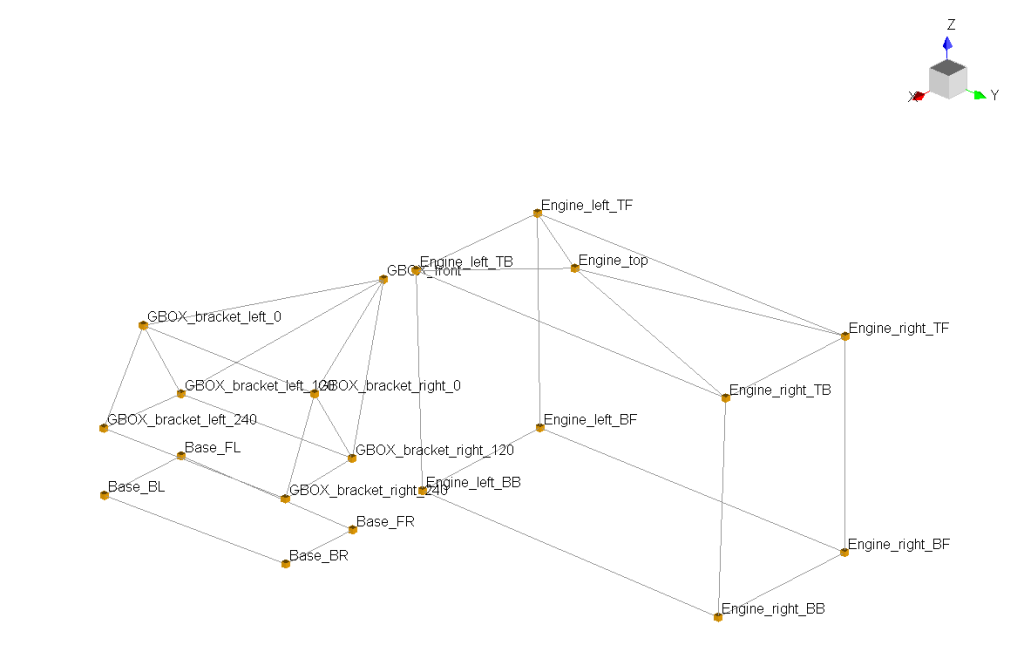
Two operating conditions are considered in the ODS evaluation: run-up and coast-down with energy recovery.
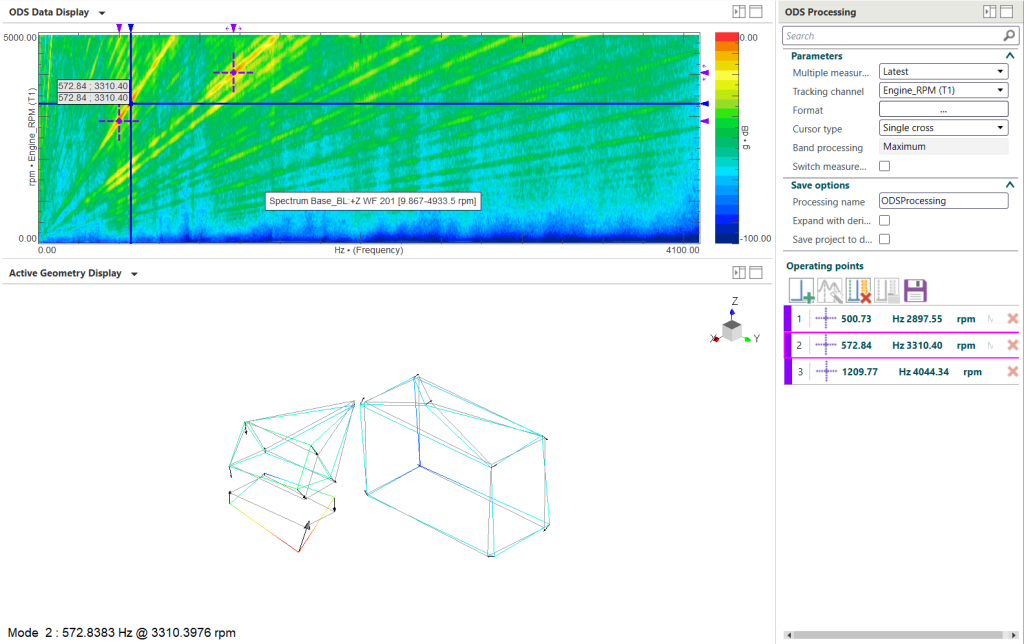
The next step is to compare the vibration content of the operational mode sets using modal correlation. This comparison shows whether the operational vibration patterns differ between the two operating conditions.
A set of modes is then used to evaluate the modal participation factors for each extracted operational mode. This helps identify which structural mode contributes most to the observed vibration. Projecting the operational deflection shapes onto the modal basis can also indicate which mode may need to be influenced if the objective is to move a critical response away from a problematic frequency range.
Finally, the results are projected onto a finite element mesh to visualize the motion in a more detailed 3D representation. This provides a clearer view of the operational behavior and supports the interpretation of the modal participation results for the electric powertrain.
Outlook
ODS is not the end of an NVH investigation, but it is often the point where the problem becomes visible. It provides a practical bridge between measurement data, geometry, simulation models, and engineering decisions. Operational Deflection Shapes are one useful tool set, besides of modal correlation, transfer path analysis and many more, which can lead to propositions for design modification and targeted validation testing.
Simcenter Testlab can be used for the entire workflow, showing the added value of virtual instrumentation using CAD data, data acquisition and efficient data processing.
More infos about virtual instrumentation can be found in our webinar, or in this blog.
Do you want to know more about component-based transfer path analysis? Then visit this blog, or just contact us for further info.
Here is my mail: markus.brandstetter@siemens.com.