What’s new in Simcenter Flightstream 26.1?

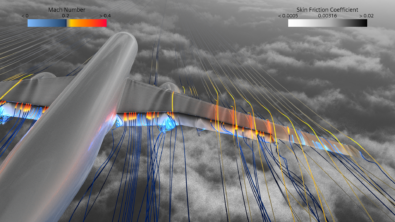
Simcenter Flightstream 26.1 is now available for aerospace and marine CFD engineers seeking faster workflows and deeper aerodynamic and hydrodynamic insight. Automate your design studies with consistent post-processing across all operating conditions, enabling you to explore possibilities more efficiently. Prepare simulation-ready geometries faster with fewer manual steps between iterations and control mesh resolution precisely around critical features, so you can accelerate project timelines. Streamline coupled aeroelastic workflows and run consistent batch simulations while staying integrated within your existing environment. Model complexity with confidence as you predict vortex lift and wake behavior on sharp leading-edge configurations and define separation behavior per component for realistic multi-body flow predictions. Extract richer boundary-layer diagnostics directly from your simulation environment to explore flow phenomena in greater detail.
Discover the complete range of enhancements in Simcenter Flightstream 26.1 and see how these capabilities can support your next project.
Learn how to use Support Center
New enhancements in Simcenter Flightstream are designed to:
Model the complexity
Capture vortex lift effects with confidence on sharp leading-edge configurations

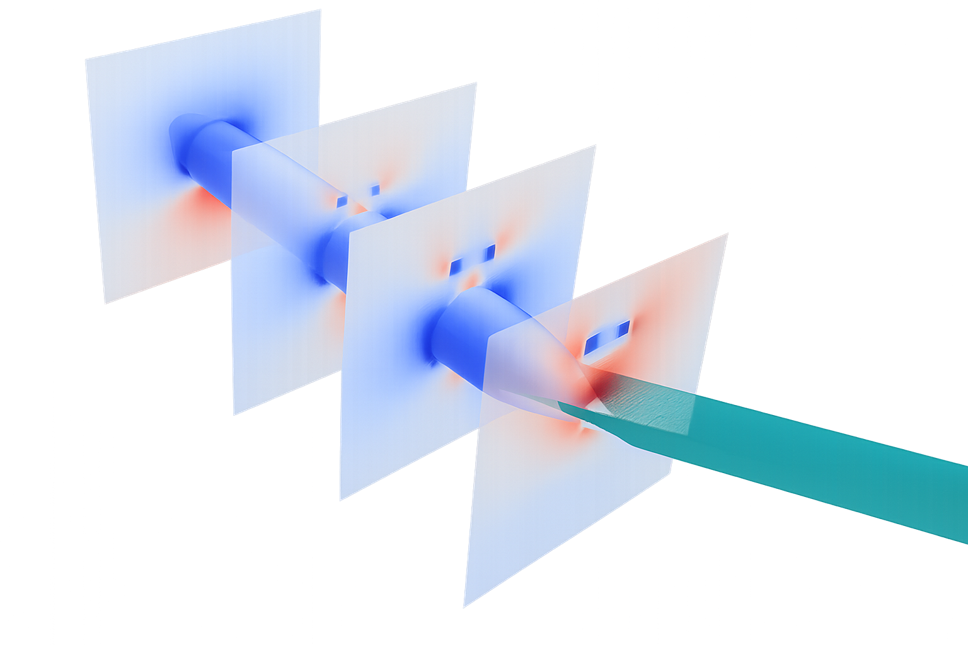
Vortex-dominated flows present a significant challenge in aerodynamic analysis, often leading to inaccurate lift estimates and increased design risk for configurations with sharp leading edges. Traditional panel-methods simulation approaches struggle to capture the complex formation and evolution of these flow structures, leaving you uncertain about critical performance predictions.
The latest release of Simcenter Flightstream 26.1 addresses this challenge with a new vortex shedding boundary condition that models leading-edge vortex formation and evolution with enhanced fidelity. With this capability, you can now predict vortex lift contribution more accurately on delta wings and highly swept surfaces. You gain realistic insight into separated flow behavior and wake structure evolution that was previously difficult to achieve. You reduce uncertainty when analyzing configurations where vortex effects drive performance, enabling more confident design decisions. This enhanced modeling capability allows you to tackle complex aerodynamic phenomena that are critical for next-generation aircraft configurations. Your simulations now capture the physics that matter most for vortex-dominated designs.
Ready to improve your vortex flow predictions? Explore the new vortex shedding boundary condition in Simcenter Flightstream 26.1 and enhance the accuracy of your aerodynamic analyses.
Control flow separation on each component to capture realistic aerodynamic behavior
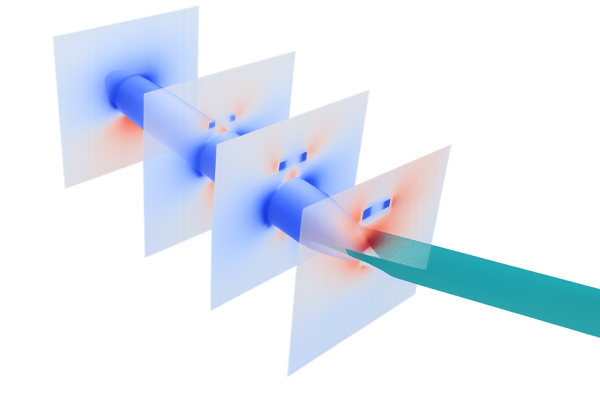
Modeling complex aircraft configurations with external stores, landing gear, and other components presents a persistent challenge: applying uniform flow separation settings across all components leads to inaccurate aerodynamic predictions. Different components experience vastly different flow regimes, yet traditional approaches force you to choose a single separation model for the entire assembly, compromising fidelity.
The new release of Simcenter Flightstream 26.1 addresses this limitation head-on. You can now define and assign multiple separation models at the component level within your assemblies, tailoring the physics to each individual part. This means you capture realistic wake and separation effects for bodies, stores, pods, and landing gear with the appropriate model for each. You improve accuracy in transient store-separation and lateral-fuselage flow analyses where component interactions are critical. Most importantly, you reduce simulation rework by modeling component-specific flow physics from the start, eliminating costly iterations. Your simulations now reflect the physical reality of how different components behave in the flowfield.
Ready to enhance your aerodynamic simulation accuracy? Explore component-level separation modeling in Simcenter Flightstream 26.1 and see how precise flow physics control transforms your results.
Explore the possibilities
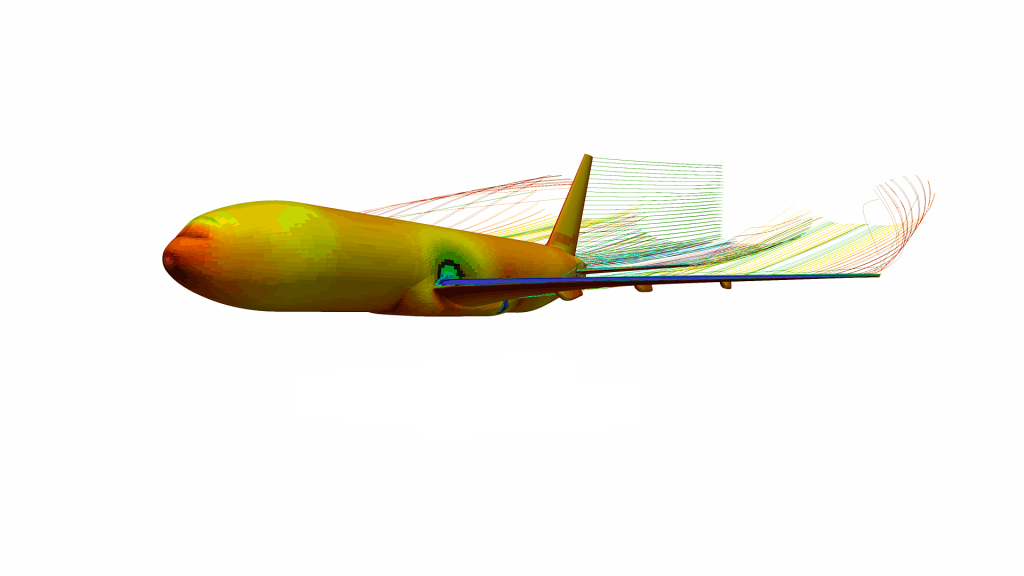
Automate design studies with consistent post-processing across all operating conditions
Running parametric studies to explore different flight conditions or design configurations often means manually setting up and processing multiple runs, a process that is not only time-consuming but also prone to inconsistency.
With the new release of Simcenter Flightstream 26.1, you can now leverage non-uniform solver sweeps with automated per-run post-processing scripts that handle parametric studies from start to finish. You define your sweep parameters and attach post-processing scripts that execute automatically after each run completes, ensuring every case is analyzed with identical logic. This means you reduce setup and processing time significantly, allowing you to focus on interpreting aerodynamic trends rather than managing data. You ensure repeatable analysis by applying consistent post-processing logic across all operating conditions and design variants. The automation accelerates design comparison, enabling you to evaluate multiple configurations quickly and confidently. You can now support systematic aerodynamic decision-making with reliable, comparable results across your entire design space.
Explore how automated parametric sweeps with per-run post-processing can streamline your aerodynamic design exploration workflow.
Extract richer boundary-layer diagnostics directly from your simulation environment
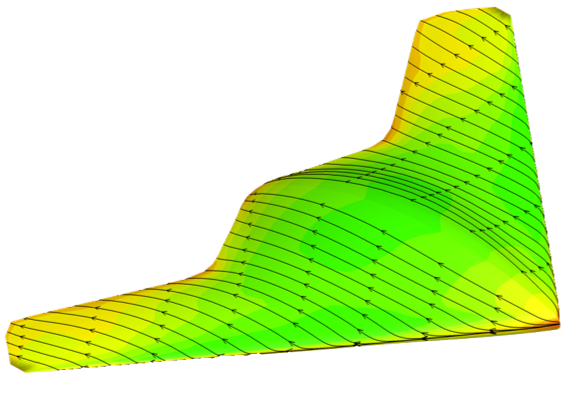
Manual post-processing of boundary-layer data has long been a bottleneck in aerodynamic validation workflows, forcing engineers to export raw results and rely on external tools to extract meaningful insights. This repetitive process not only slows down your analysis but also introduces inconsistencies when comparing results across multiple configurations or design iterations.
With the new release of Simcenter Flightstream 26.1, you can now export boundary-layer and probe-point quantities directly from surface sections and probe points within your simulation environment. This integrated capability eliminates the need for external post-processing tools, streamlining your workflow from simulation to validation. You diagnose local aerodynamic behavior faster, enabling quicker design decisions without leaving your simulation workspace. You compare boundary-layer trends across configurations with repeatable, standardized workflows that ensure consistency. You validate simulation results against experimental data more efficiently, reducing the time from analysis to actionable insights.
Ready to accelerate your boundary-layer analysis? Explore the new direct export capabilities in Simcenter Flightstream 26.1 and streamline your aerodynamic validation workflow today.
Go faster
Prepare aerodynamic geometry faster with less manual rework across design iterations
Aerodynamic simulation workflows often stall at the geometry preparation stage, where manually extracting curves from CAD models consumes valuable engineering time with each design iteration. Manual curve extraction not only slows your progress but also introduces the risk of inconsistencies and preparation errors that can compromise your analysis.
The new release of Simcenter Flightstream 26.1 addresses this challenge with a streamlined workflow that enables CAD edges to transfer directly to virtual curves. You can now reduce geometry preparation time significantly when working with fuselages, nacelles, pods, and external stores. You repeat parametric workflows reliably without the burden of recreating curve definitions from scratch. This enhancement frees you to spend more time where it matters most, evaluating aerodynamic performance rather than wrestling with model preparation. You maintain consistency across iterations while accelerating your design exploration cycle. The result is a more efficient path from CAD to simulation-ready geometry.
Explore how streamlined CAD edge transfer can accelerate your aerodynamic workflow and improve iteration efficiency.
Control surface resolution where it matters and move to analysis faster
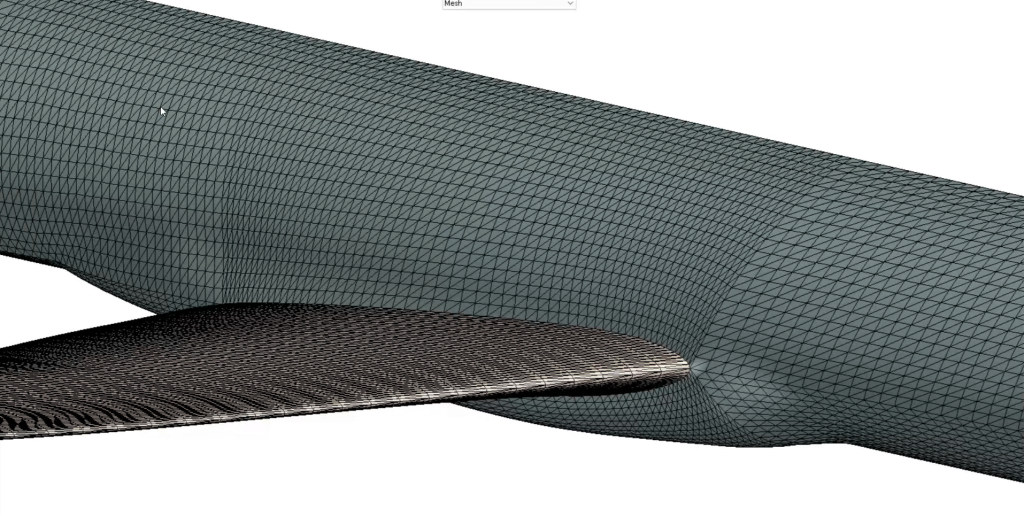
Complex aerodynamic surfaces with nacelles, wing-body intersections, and control surfaces have traditionally demanded time-consuming manual rework to achieve the right mesh resolution in critical areas. Engineers often spend hours refining meshes around these features, introducing workflow bottlenecks and potential inconsistencies between simulation variants.
The new release of Simcenter Flightstream 26.1 addresses this challenge with a modernized Transfinite Interpolation Mesher that generates meshes directly from virtual curves. You can now adjust local mesh resolution around critical aerodynamic features without manual rework, placing refinement exactly where flow physics demand it. This capability helps you reduce setup time from CAD preparation to analysis-ready surface meshes, accelerating your path to insights. You ensure repeatable meshing workflows for complex aircraft configurations, maintaining consistency across design iterations and study variants. The direct control over local resolution eliminates the trial-and-error cycles that traditionally slow down pre-processing.
Explore how virtual-curve-based mesh control can streamline your aerodynamic workflow, discover the modernized Transfinite mesher in Simcenter Flightstream 26.1 today.
Stay integrated
Automate aeroelastic workflows and run repeatable coupled simulations across variants
Manual aero-structure coupling has long been a bottleneck in aircraft design, forcing engineers to repeatedly update meshes and recreate setups for each new load case or configuration. These repetitive tasks not only consume valuable time but are also prone to inconsistencies that can compromise the reliability of your results across design variants.
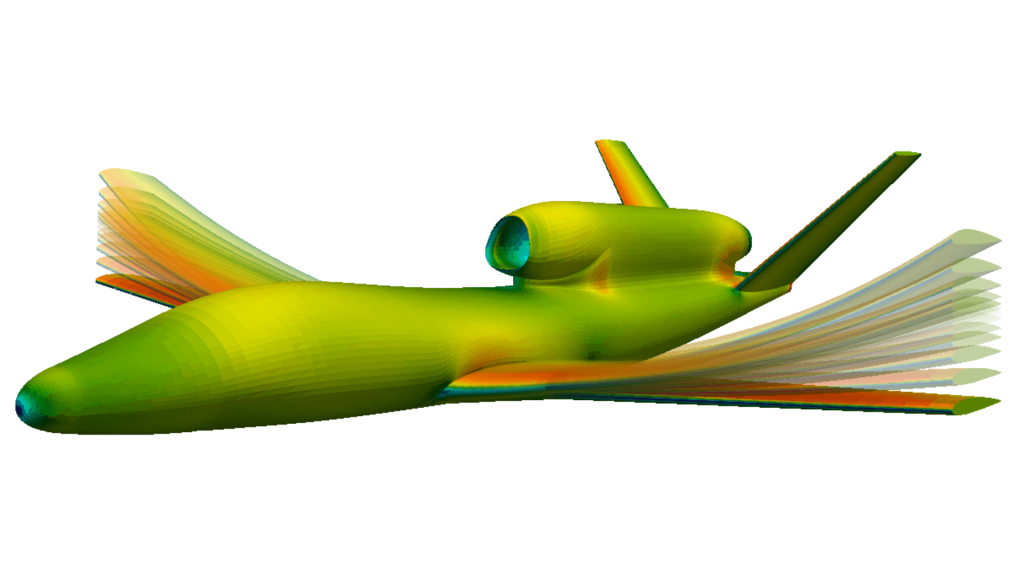
The new release of Simcenter Flightstream 26.1 addresses this challenge with a scriptable aeroelastic toolbox that includes mesh morphing capabilities for automated coupling workflows. You can now define your coupling setup once and apply it consistently across multiple configurations and deformation states. Run batch aeroelastic cases without stopping to manually update meshes between iterations, dramatically accelerating your design exploration process. Integrate aerodynamic models into external structural workflows with significantly less effort, enabling seamless collaboration between aerodynamics and structures teams. You gain the confidence that comes from repeatable, traceable processes while freeing up time to focus on design optimization rather than workflow management.
Explore the scriptable aeroelastic toolbox in Simcenter Flightstream 26.1 and discover how automated coupling workflows can transform your productivity.
These are just a few highlights in Simcenter Flightstream 26.1. These features will enable you to design better products faster than ever, turning today’s engineering complexity into a competitive advantage.
A new era for Simcenter
And it does not stop there. With the Simcenter June 2026 release we are bringing together Simcenter and Altair – two of the world’s most powerful simulation portfolios – in a defining moment for engineering.
Gain access to the broadest range of capabilities across modeling and visualization, mechanical, fluids, electromagnetics, systems, HPC, data science, and AI—helping accelerate innovation, simplify workflows, and drive smarter decisions with confidence.