Data Reuse

New in Designcenter Solid Edge 2026: Data Reuse and Migration 

Designcenter Solid Edge 2026 makes it easier to reuse, share and migrate design data — no matter where it comes from or where it’s going. Import architectural models from Autodesk Revit, export only the geometry you need to protect intellectual property and streamline steel fabrication with direct DSTV export. For teams transitioning from other CAD systems, new integration with Elysium CADfeature…..
VBL options

New in Designcenter Solid Edge 2026: Value-Based Licensing Enhancements

With the launch of Designcenter Solid Edge 2026, we’re publishing a series of blogs to spotlight the release’s most exciting…

New in Designcenter Solid Edge 2026: Draft and MBD 

Capture every detail  With the launch of Designcenter Solid Edge 2026, we’re publishing a series of blogs to spotlight the…

Walkthrough feature

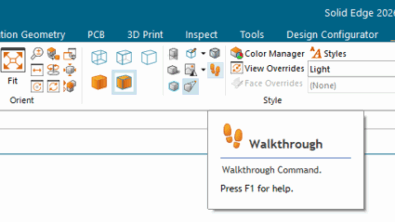
Step inside your design: introducing the walkthrough command in Designcenter Solid Edge 2026 

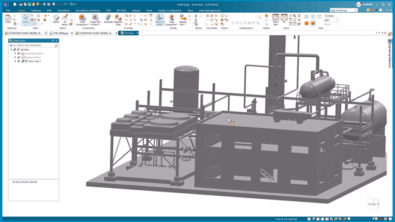
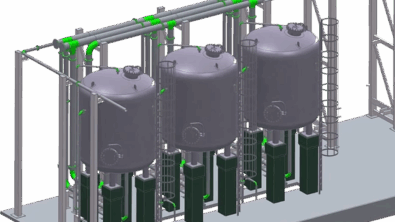
Designcenter Solid Edge 2026 now makes it easier than ever to explore your designs in an interactive and engaging way. With the new Walkthrough command, you can move through your models from a first-person perspective. It is just like stepping inside your assembly. Using your keyboard, mouse or even an Xbox® controller, you can navigate effortlessly through large layouts and complex spaces.

What’s New in Designcenter Solid Edge 2026

Performance meets flexibility powered by AI  With the launch of Designcenter Solid Edge 2026, we’re publishing a series of blogs…