New in Designcenter Solid Edge 2026: Part and Sheet Metal
Table of Contents
Fabricate smarter sheet metal and design better parts
With the launch of Designcenter Solid Edge 2026, we’re publishing a series of blogs to spotlight the release’s most exciting new features and enhancements. In this post, we’ll explore the latest updates to MCAD: Part and Sheet Metal.
From modeling precision parts to preparing sheet metal for manufacturing, new enhancements help you design with speed and confidence. Create interlocking joints in seconds using tab-and-slot automation. Quickly generate thin-walled features with integrated wall thickness controls across major modeling commands. Expanded etching support and smarter flange trimming simplify detailing and improve manufacturability. And with the new Fill Pattern tool, you can apply repeating features to surfaces effortlessly — whether you’re simulating textures or reducing weight.
Tab and slot feature
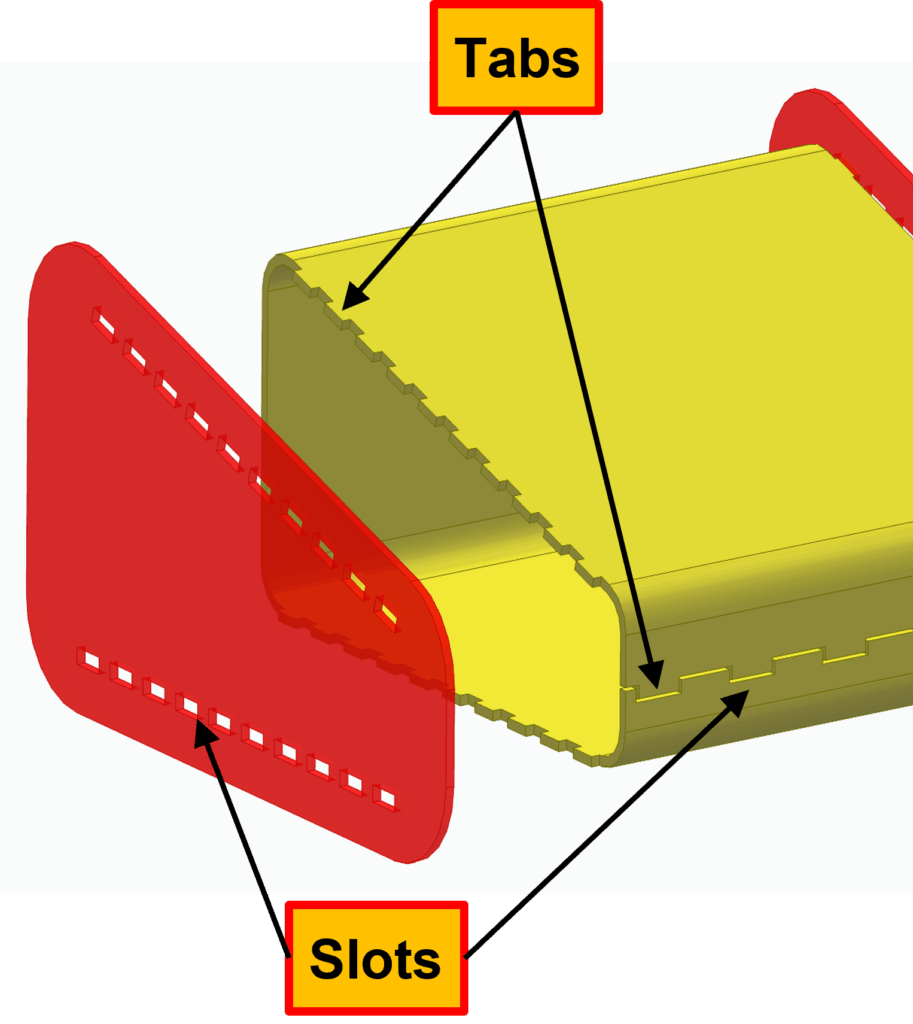
Creating interlocking tab-and-slot features for sheet metal parts used to be a time-consuming, manual process with multiple steps. The new Tab and Slot command automates this in a single operation, generating perfectly matched, interlocking components in seconds while ensuring precise alignment for welding or fabrication.
By automatically aligning tabs on one part with slots on another, the command reduces manual effort, minimizes assembly errors, and streamlines the manufacturing process. It works efficiently for single parts, multibody parts, or full assemblies, making sheet metal design faster and more accurate.
Wall thickness support in add material features
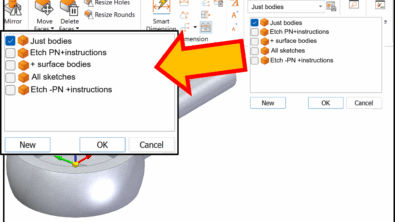
Designing hollow or thin-walled features is now faster and more intuitive. With native wall thickness support in both ordered and synchronous environments, Solid Edge allows users to create hollowed features in just a few clicks, completing what used to require multiple complex steps in a single, seamless operation.
Users can quickly convert solid features into thin-walled components with full control over wall thickness, thinning direction, end caps, and internal material removal. This capability is now integrated across all major modeling commands, including Extrude, Revolve, Sweep, Loft, and Helix, streamlining the design process, reducing errors, and saving significant time.
Etch feature improvements
Etching support allows you to produce precise design details on sheet metal bends, part models and 3D curves in both ordered and synchronous environments. Etches can be placed on a part to represent patterns or designs with accuracy and ease.
Etch faces can be modified even after placement, giving you the flexibility to refine and perfect designs at any stage of the process. In the synchronous environment, etch features automatically update as changes are made to the model, reducing manual editing and saving valuable time.
Multi-edge flange trim improvements
Trimming and mitering multi-edge flanges is now faster, more accurate, and fully supported in previously challenging design scenarios. The improved multi-edge flange trimming and mitering in Solid Edge automatically creates clean, precise flanges, ensuring manufacturable results with perfect corner transitions and eliminating the need for manual rework.
Flanges with multiple edges are automatically trimmed and mitered to achieve the optimal fit, significantly reducing the time spent manually determining trim and miter patterns.
Fill pattern in ordered modeling
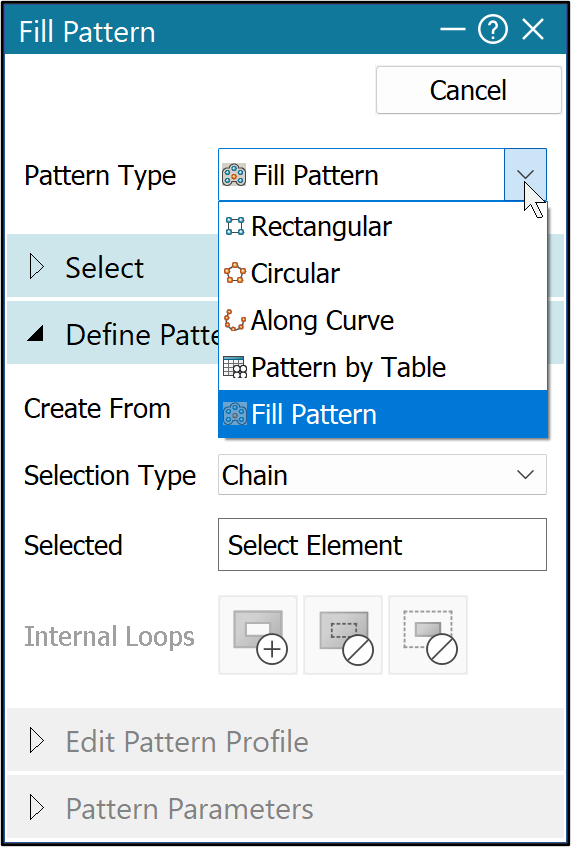
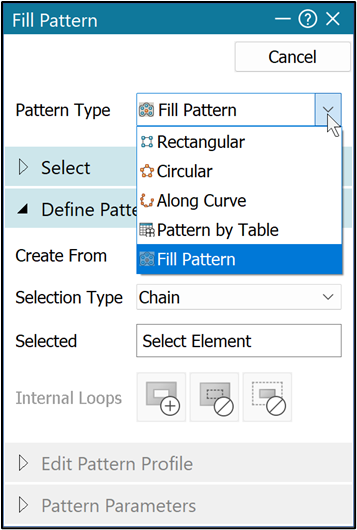
The new Fill Pattern command in ordered modeling makes it easy to create repeating patterns on surfaces, even on bends and 3D curves. With just a few inputs, you can define the shape, spacing, and density of the pattern and apply it to faces, edges, chains, features, or bodies. After placement, patterns can be edited on the face and automatically update with model changes, providing greater flexibility and control.
Fill Pattern helps designers simulate materials, textures, or functional features such as holes and cutouts, reducing the need for physical prototypes. This expanded functionality addresses limitations in prior etch features, enabling sheet metal designers to apply patterns on curved or bent surfaces in both ordered and synchronous environments, enhancing creativity and improving manufacturability.
These and many other new features in Designcenter Solid Edge 2026 were unveiled during our live premiere on October 22.
For a deeper look at what’s new in Designcenter Solid Edge 2026, click here.
Join the conversation
There are a lot of ways to hear what others are saying about the upcoming release and to connect with other Solid Edge enthusiasts online.
Here are a few ways to join the conversation right now:
- Watch the Designcenter Solid Edge 2026 launch event, streamed live on October 22.
- Keep up with #SolidEdge on Facebook, YouTube and LinkedIn
- Join our online Solid Edge Community to connect with other Solid Edge users