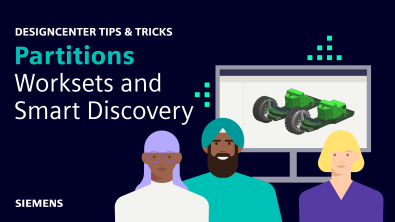
Welcome! In this blog, we’ll explore how to streamline complex assemblies using Designcenter™ software’s powerful Partitions, Smart Discovery, and Worksets…
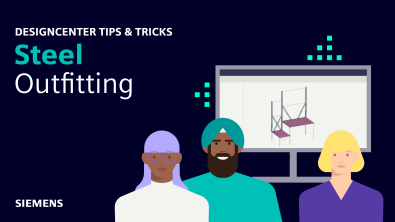
Welcome! In this blog, we’ll show you how Structure Designer lets you build vital steel structures for ships and industrial…
In our latest Designcenter™ software How To series video, we explore how Designcenter Industrial Styling & Design empowers you to…
Our Tips and Tricks blog series is back, focusing on all things new in the June 2026 release of Designcenter™…
In this Tips & Tricks session we will have a look at assembling components more efficiently by utilizing the “Magnetic…
Welcome! This blog will guide you through the key steps for designing plumbing and piping systems using Designcenter™ software. We’ll…
In our latest Designcenter™ NX™ software How To video, we explore how Designcenter NX CFD Designer empowers you to rapidly…
Electrical routing is an application within Designcenter NX™ that is specifically designed to help you create, route, and manage electrical…
Copilot is available in Designcenter X NX™ and Designcenter X NX with built-in data management. Copilot provides the user with…