Siemens Capital software how to YouTube series: How to navigate member design data in a tree view
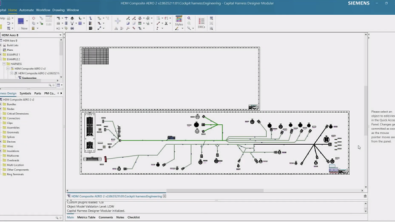
Check out Siemens Capital software how to series to find out how to navigate member design data which makes complex merges faster, clearer, and more controlled
Merging large harness designs into a single manufacturable form board requires more than visual comparison. When diagrams differ in layout or structure, identifying corresponding components can become time-consuming and error-prone.
In this installment of the Siemens Capital how to series, we explore how the design tree capabilities of Siemens Capital software enable systematic navigation of member design data, which makes complex merges faster, clearer, and more controlled.
The Challenge
A form board designer is tasked with merging two harness diagrams into a single layout. The first diagram represents the hatchback version of the vehicle and has already been processed into a fully manufacturable form board. The second diagram represents the convertible version, which has not yet been processed because it will be merged with the hatchback design..
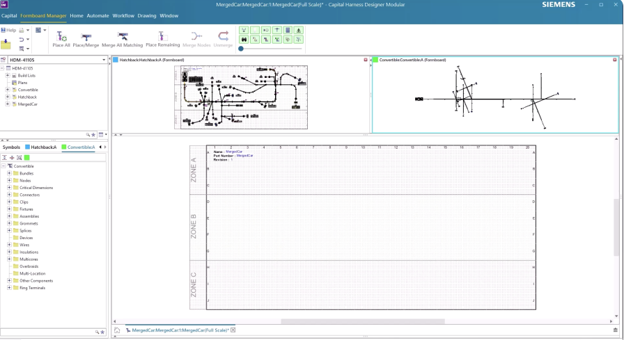
After placing the hatchback form board elements into the workspace and initiating the merge of matching elements from both diagrams, differences begin to surface. For example, the bundle associated with connector C9 exists only in the hatchback harness.
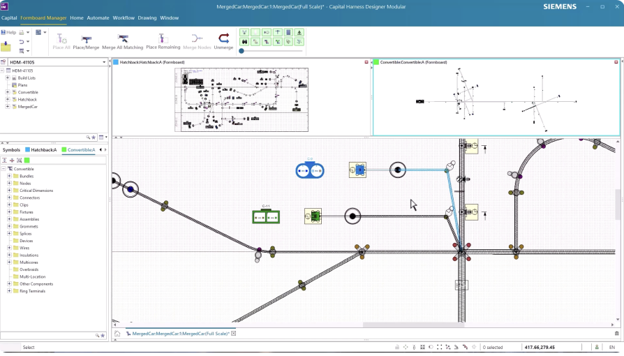
Identifying whether a corresponding C9 component exists in the convertible harness proves difficult, as the diagrams differ visually and structurally.
When layouts are not identical, relying solely on graphical comparison makes it challenging to locate and reconcile specific entities across harness variants.
How to search and navigate with design trees
Siemens Capital addresses this challenge through structured design trees for each harness. Rather than manually scanning diagrams, the designer can use the tree view to systematically search and locate specific components.
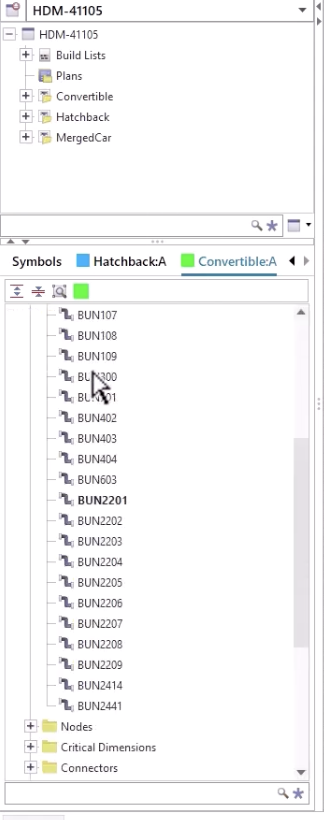
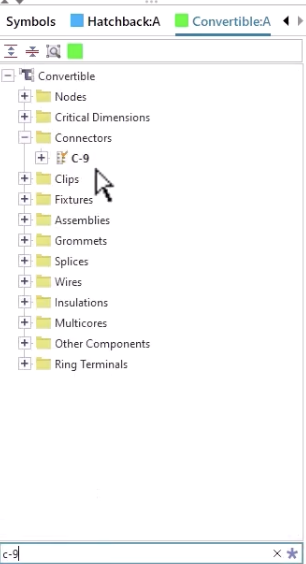
Each harness has its own color-coded design tree, making it easy to distinguish elements belonging to each diagram. The tree lists all entities in a hierarchical structure, with unmerged components clearly highlighted in bold.
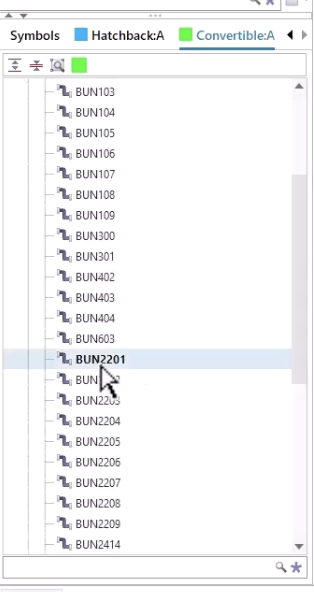
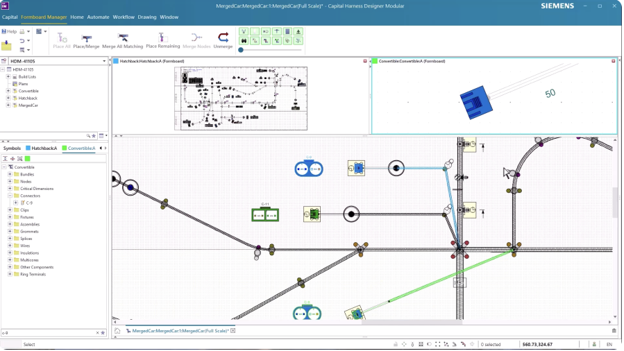
Using this interface, the designer can quickly locate connector C9 within the convertible harness tree, navigate directly to its position in the source diagram, and place the unmerged bundle onto the merged form board.
Capital Benefits
By combining graphical layout tools with structured design trees, Siemens Capital enables efficient navigation of large and complex harness designs. Designers can identify unmerged components quickly, access them directly from the tree view and integrate them into the merged form board with confidence.
This capability reduces the risk of overlooked components, accelerates variant consolidation, and improves overall workflow efficiency. In programs where multiple harness versions must coexist on optimized form boards, the ability to search, navigate and reconcile member design data systematically is essential.
With Capital, merging harness variants is no longer a visual guessing exercise. Instead, it’s a controlled, model-based process supported by intelligent navigation tools.
Read the full blog series to learn more ways Siemens Capital simplifies and streamlines harness design.
Capital X is the SaaS (Software-as-a-Service) version of the Capital portfolio that has been the leading solution for comprehensive E/E systems development for over two decades. Capital X, operated by Siemens, offering a comprehensive digital twin and seamless collaboration to optimize the design, engineering and validation of complex products. Click here to learn more about Capital X.