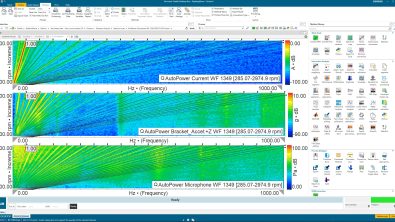
Stop compromising your test procedure. Schedule it. Re-Runs: None. SCADAS: Agnostic
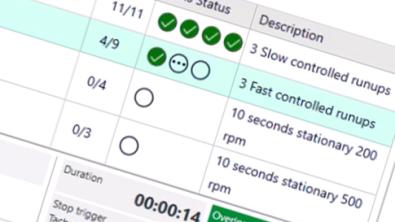
What’s new in Simcenter Testlab 2606
Simcenter Testlab 2606 introduces Schedule Acquisition for the entire Simcenter SCADAS family, bringing expert-defined measurement procedures directly into the acquisition workflow. Engineers can now design, automate, and execute complete test campaigns in Simcenter Testlab Neo, ensuring consistent test execution, standardized annotation, and repeatable results across operators, sites, and measurement campaigns.
Here’s a situation you probably recognize. You’ve prepared a measurement campaign. You know exactly which runs are needed, in which order, at which speeds or loads and with which annotation. You explain it to the operator. You write it down. Maybe you even make a checklist.
One week later the campaign comes back and something is off. One condition was measured twice, another was skipped. The annotation is half empty because it was 30 degrees Celsius on a proving ground and nobody types metadata when it’s 30 degrees Celsius. And the results can’t really be compared to last year’s campaign, because last year a different colleague ran it slightly differently.
Nobody did anything wrong here. The knowledge simply lived in your head and in a document stored on a shared network drive, instead of in the software.
That’s what we set out to fix with Schedule Acquisition, a new workbook in the Simcenter Testlab Neo family in the 2606 release.
From “RS only” to “any SCADAS”
If this sounds familiar, it should. We introduced scheduling in 2506, but it was designed specifically for Simcenter SCADAS RS. The product became a great success, but it left our users of the remaining SCADAS family wanting more.
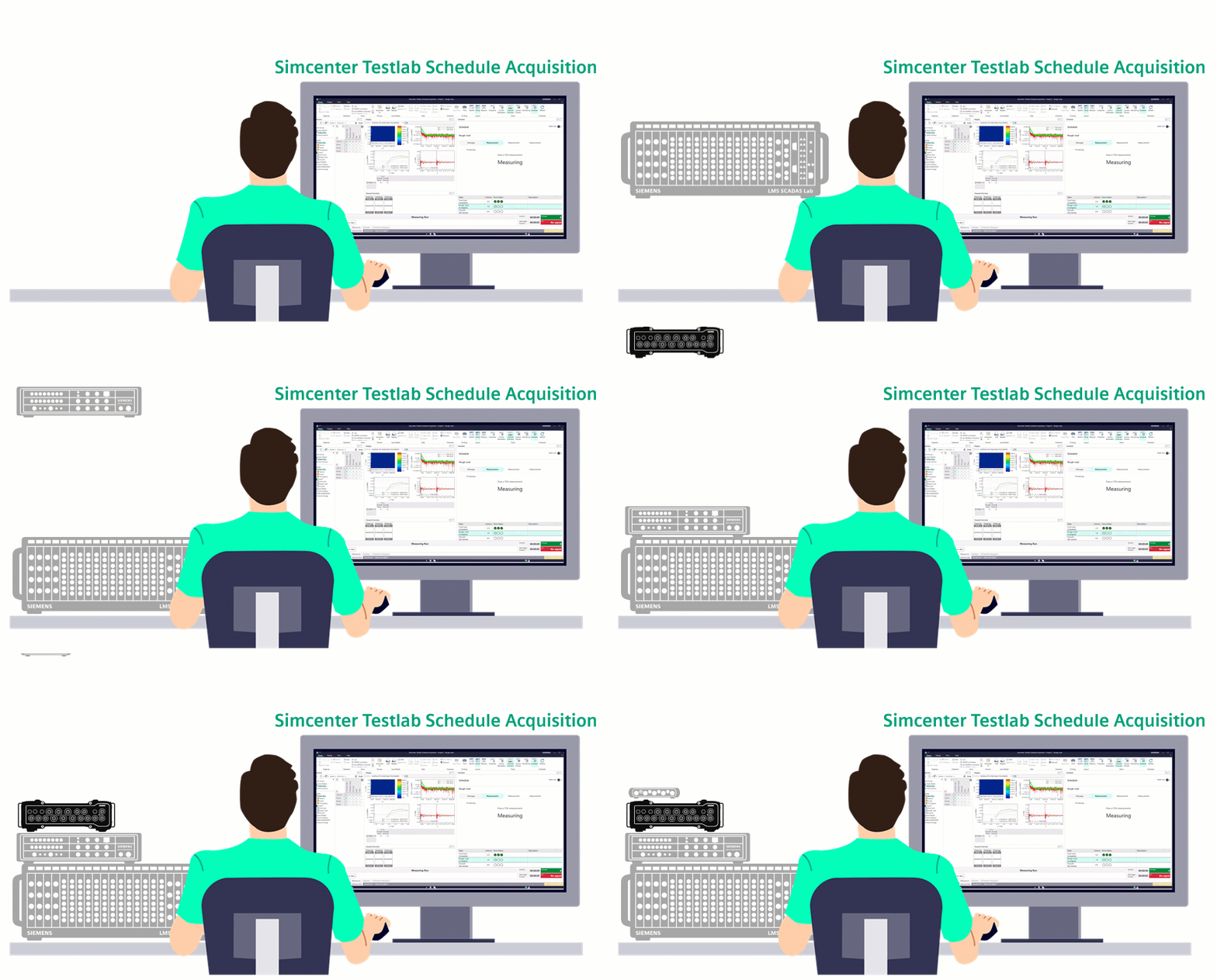
In 2606 the scheduling also becomes available in Simcenter Testlab Neo itself, which means you can now run a schedule with any SCADAS, on your PC, in the same environment where you already do your setup, measurement and processing. If you are still measuring on the Simcenter SCADAS RS without a PC, that path stays exactly as it was (with some great new features added to the 2606 firmware as well).
Two people with two very different jobs
The whole idea rests on splitting the work between two roles.
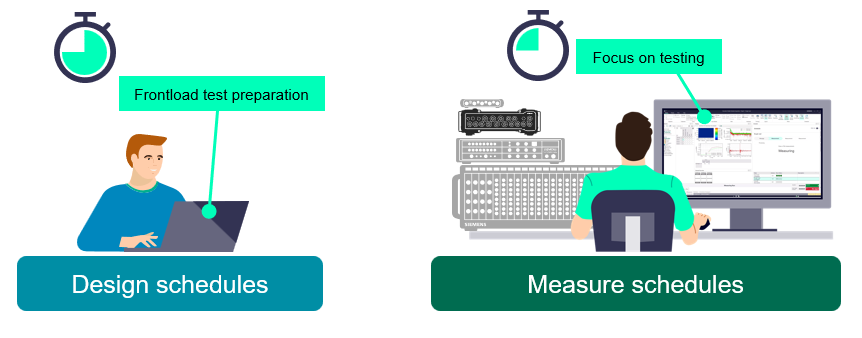
The schedule designer is usually the test engineer who knows the procedure. This person works upfront, in the office, with coffee and no time pressure. They decide which channels are measured, how each measurement is triggered and repeated, which conditions have to be covered, how everything is annotated, how it gets processed and how it should be reported.
The operator is the person in the vehicle or at the bench, who benefits from a clear to-do list. They measure, they add the handful of annotation fields that can only be filled in on the spot, and they move on.
This is where physical testing can become much more efficient – the time-consuming setup moves to where there is time for it, and execution becomes simple enough that it can be done easily and consistently.
Translating procedures into schedules
The Simcenter Testlab Schedule Acquisition allows you to ensure consistent execution across all operators and testing sites. You can interactively design the complete workflow by drag & dropping different actions into a testing workflow that matches the in-house procedure or simply the test you’ve had in mind.
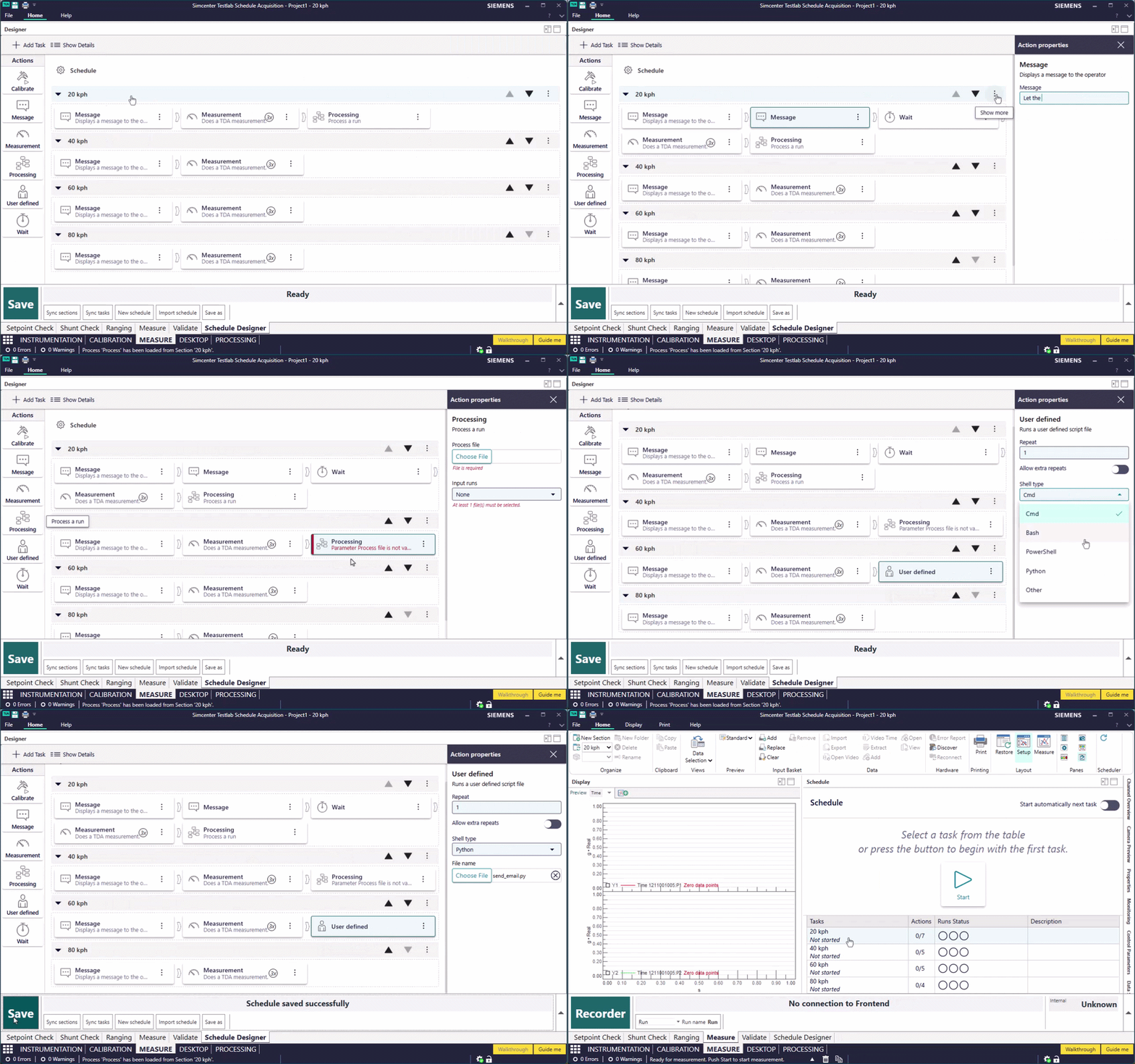
Each task in your schedule corresponds to a well-known concept of Testlab sections, but can now be expanded with a workflow of different actions. Here’s what you can already use in the 2606 release:
| Action | Description |
|---|---|
| Measure | Starts a measurement using the control parameters of the section. You set how many repeats are required, you can allow the operator to add extra repeats at the end of the counter |
| Message | Puts an instruction on screen that the operator has to acknowledge before the schedule continues. “Drive to track 10”, “Move the crane to position B”, “始める前に待機してください” – it’s up to you to keep the operator informed. |
| Calibrate | Sends the operator to a specific calibration task |
| Wait | Enforces a pause in minutes, with a countdown, and the schedule refuses to move on until it has elapsed. |
| Process | Runs a .process file as part of the campaign. The runs you point at get added to the input basket, the process loads and runs, and afterwards you land back on the Measure sheet automatically. |
| User defined | Calls an external script: command line, PowerShell, bash, Python. This is how you control a test bench, drive a rig or talk to anything else in your lab from inside the schedule. |
You can combine actions into specific repeat patterns (think measure, measure, measure → process, or measure → process, measure → process, measure → process).
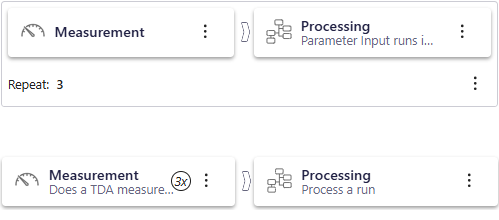
Everything in one file
Once the schedule is designed, you can frontload the test preparation to a complete new level. Setup the required channels, add metadata, list of conditions to test, specify how each of them should be analyzed and reported.
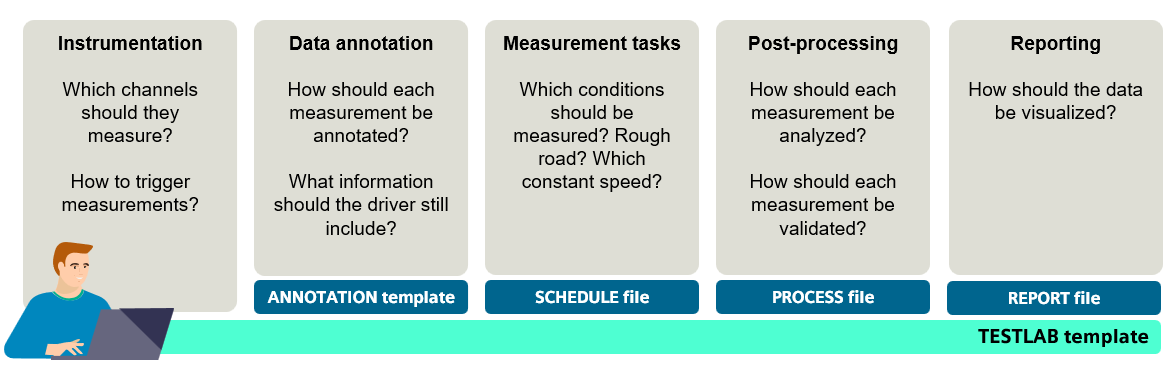
So handing over a complete, expert-designed test procedure becomes: send one file to the testing team. That’s it.
Why this is worth your time
There are at least two reasons: consistency and skill-barrier.
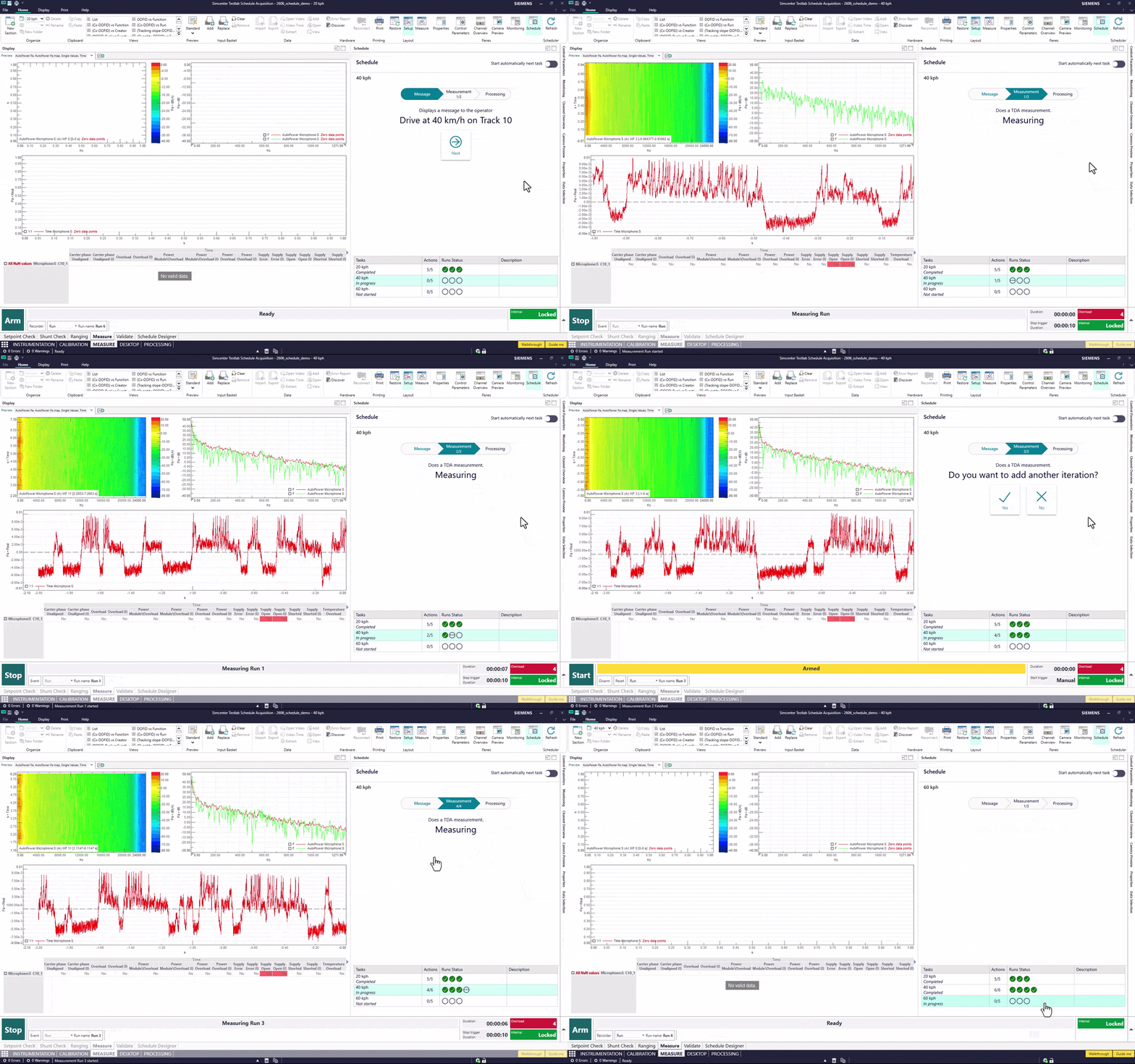
A schedule enforces the same task list, the same settings and the same conditions on every single run of the campaign, which is what makes results comparable from one campaign to the next. This assured consistency.
At the same time, a procedure designed by your most experienced engineer can be executed correctly by someone who has never run it before, because the software guides them through every step, effectively lowering the skill-barrier required to execute high quality physical testing campaigns.
And if you’ve been following the AI-ready data discussion, this is the same story from a different angle. A model trained on road noise data needs every vehicle measured on the same type of maneuver, with the same annotation applied. The “we wrote it down in a procedure document” is not the most reliable way to get there.
How can you start?
Best news come last – the scheduling functionality within Simcenter Testlab Neo is available without any additional license – you will simply need Simcenter Testlab Desktop Neo and Simcenter Testlab Time Data Acquisition to start with. Download Simcenter Testlab 2606 and start automating your measurement workflows today.