Siemens Capital software how to YouTube series: How to synchronize with connectivity data and splice positioning
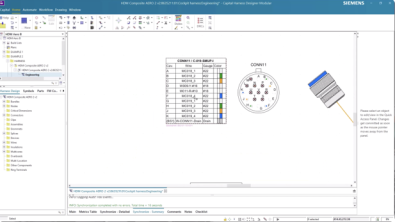
Check out Siemens Capital software how to series to find out how to synchronize with connectivity data in Siemens Capital to ensure seamless integration between electrical and mechanical designs. Manage connectivity data, improve accuracy, and enhance collaboration in your electrical design workflow.
As harness programs transition from design to manufacturing, precision is mandatory. Electrical connectivity must align exactly with mechanical topology, and all documentation must reflect those updates automatically.
In this installment of the Siemens Capital How-To Series, we demonstrate how to synchronize wiring data with physical harness design and optimize splice positioning for manufacturing readiness.
The Challenge
At the manufacturing preparation stage, a harness design may already include mechanical topology such as connectors, installations, and routing paths. Meanwhile, the detailed wiring data resides in the electrical design environment. Aligning those two domains prior to production is essential.
However, manually reconciling electrical connectivity with mechanical topology introduces risk. Cavity assignments, wire names, colors, options and splices must be accurately reflected in the physical harness layout. Any mismatch can lead to incorrect documentation, BOM errors or other downstream manufacturing issues.
Splice placement presents an additional challenge, because splices have to comply with defined design rules and manufacturing constraints in order to achieve optimal assembly, durability, and serviceability.
Siemens Capital software makes it easy to synchronize electrical and mechanical data to ensure they are correct by construction, while positioning splices efficiently for production.
How to ensure correct-by-construction design
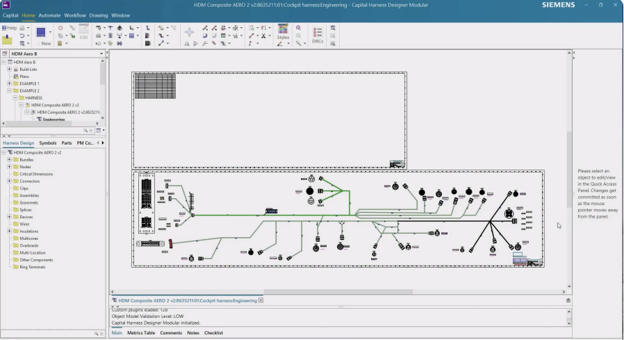
The harness below has a topology connectors and installations, but no wires:
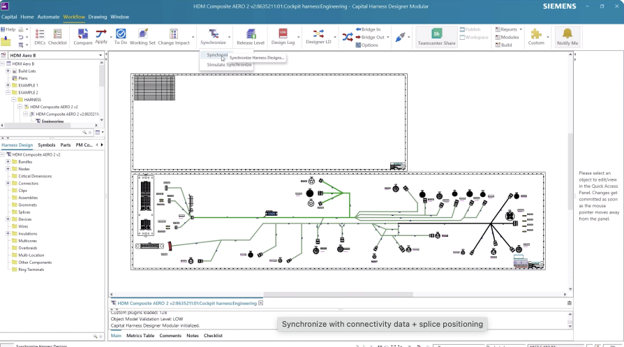
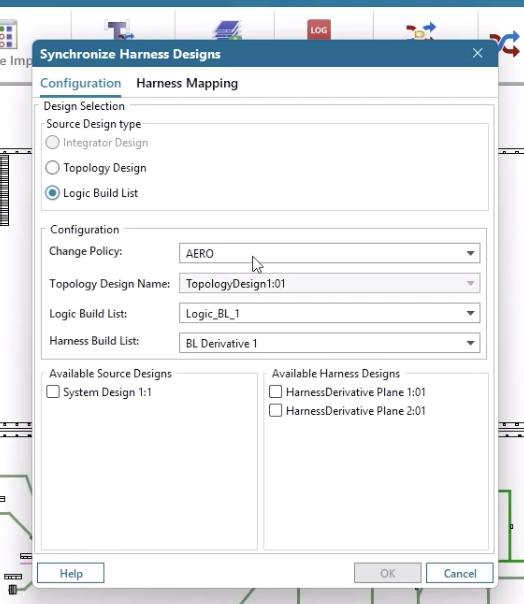
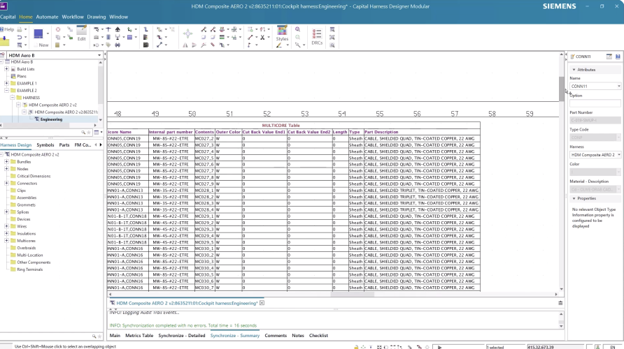
With Siemens Capital, electrical data from the wiring design can be synchronized directly with the 2D harness topology. Incoming wiring information is automatically associated with the target harness layout, populating cavity tables with wire names, colors, and option data.
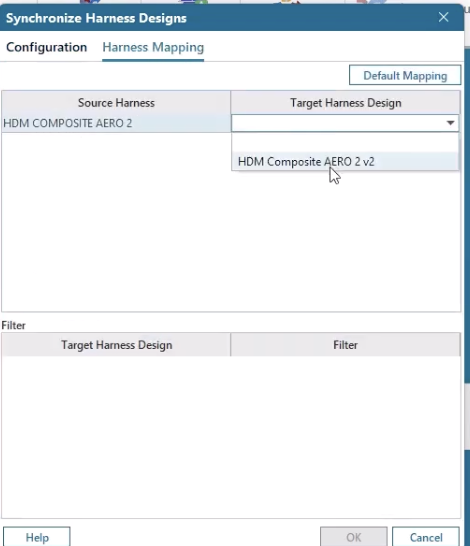
Below, you can see that the cavity tables are populated with wire names, colors and option information.
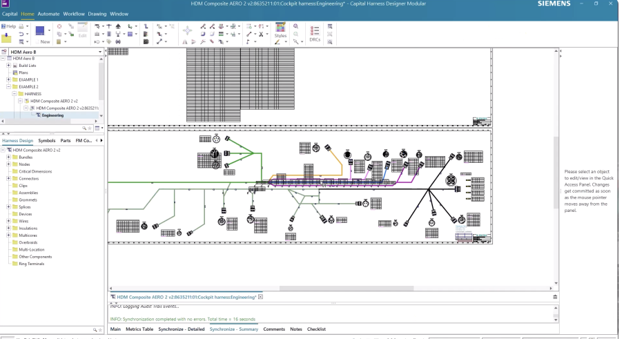
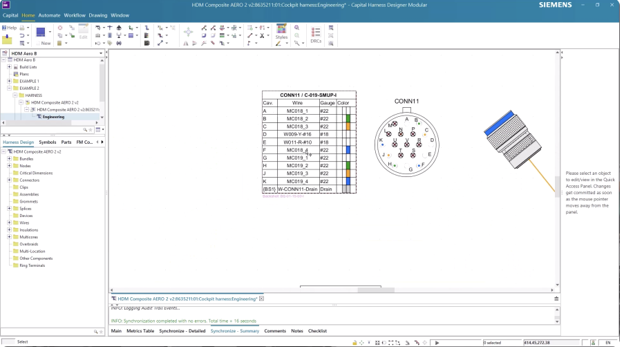
Once synchronized, wires and splices are automatically instantiated within the harness design.
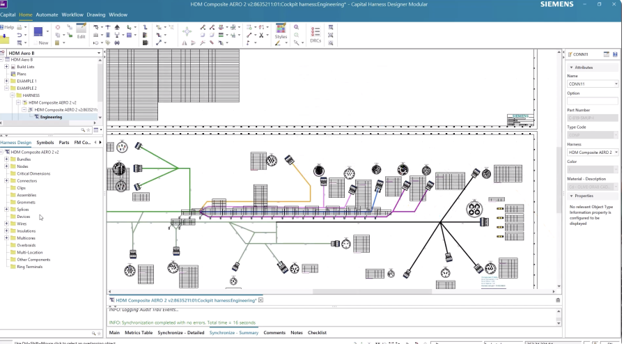
Wire tables and Bills of Materials update immediately, ensuring documentation remains accurate without manual intervention.
This capability reduces the risk of overlooked components, accelerates variant consolidation, and improves overall workflow efficiency. In programs where multiple harness versions must coexist on optimized form boards, the ability to search, navigate and reconcile member design data systematically is essential.
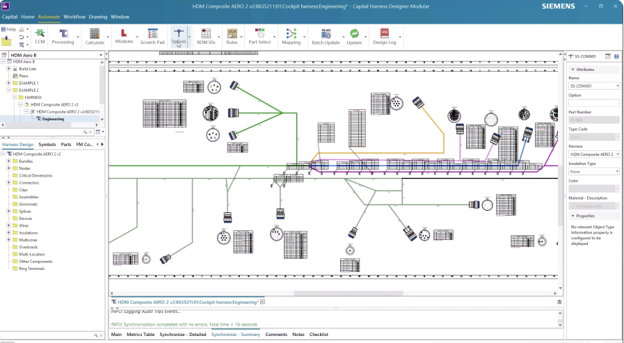
Capital enables you to fully align electrical and mechanical data in a few steps, preparing the harness for downstream engineering and manufacturing processes.
Capital benefits
Capital automates synchronization between electrical connectivity and mechanical topology, reducing manual reconciliation and eliminating documentation inconsistencies. By maintaining a unified digital thread between wiring and harness design, the platform ensures manufacturing-ready data is accurate and traceable.
Automatic updates to cavity tables, wire tables and BOMs strengthen confidence in deliverables, while rule-based splice optimization enhances assembly efficiency. The result is a streamlined, correct-by-construction workflow that accelerates production readiness and reduces risk.
Read the full blog series to learn more ways Siemens Capital simplifies and streamlines harness design.
Capital X is the SaaS (Software-as-a-Service) version of the Capital portfolio that has been the leading solution for comprehensive E/E systems development for over two decades. Capital X, operated by Siemens, offering a comprehensive digital twin and seamless collaboration to optimize the design, engineering and validation of complex products. Click here to learn more about Capital X.