Thumbnail that says Designcenter X NX Essentials: Sheet Metal best in class demands

Designcenter X Essentials : How–to: Sheet Metal Best in Class Commands

Sheet metal design plays a critical role in manufacturing, requiring both precision and flexibility to adapt to changing requirements. With Designcenter X Essentials, Siemens delivers a lightweight, browser-based solution that enables users to design, edit, and collaborate from anywhere, on any device. 

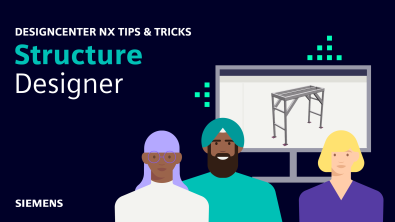
Designcenter NX | Tips and Tricks | Structure Designer

In our latest Designcenter™ NX™ software Tips and Tricks video, we explore how Designcenter NX Structure Designer empowers you to rapidly create,…

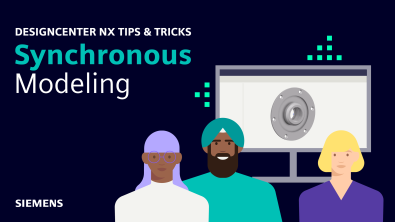
Designcenter NX | Tips & Tricks | Synchronous Modeling

In our latest Designcenter™ NX™ software Tips and Tricks video, we explore how Synchronous Modeling empowers you to modify 3D…

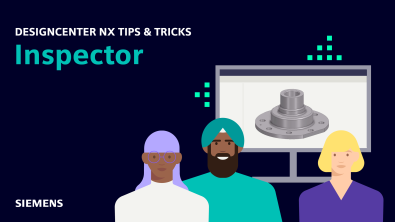
Designcenter NX | Tips and Tricks | NX Inspector

In our latest Designcenter™ NX™ software Tips and Tricks video, we’re excited to demonstrate how NX Inspector revolutionizes the way…

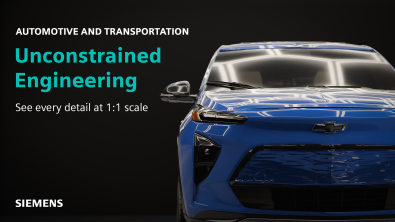
Using Immersive Engineering for your automotive workflows

Immersive Engineering is revolutionizing product design. It’s a tool to go beyond traditional 2D practices by creating a fully-integrated, user-centric…

Designcenter X NX Essentials: How-to: View and markup titlecard

Designcenter X Essentials: View and Markup 

Designcenter X Essentials makes it easy to view, analyze and communicate design information in a single lightweight, browser-based environment. With built-in view and markup capabilities, users can

Using Immersive Engineering to design a new Aerospace product

Immersive Engineering in Designcenter™ software is the creation of new products without boundaries. We’re revolutionizing product engineering by providing the…

You-Tube-Thumbnail_NX-X_Essentials-Setup-and-Tools-copy

Designcenter X Essentials Machining setup and tools

Design and manufacture from anywhere with Designcenter  X Essentials. This lightweight, browser-based solution gives you the freedom to create, edit and collaborate from any device, helping teams move faster while reducing overhead. Whether you are refining concepts, collaborating across departments or enabling broader access to engineering data, Designcenter X Essentials delivers the essential CAD, CAM and CAE tools needed to reduce costs, save time and stay ahead. 

You-Tube-Thumbnail_NX-X_Essentials-Chamfering-Milling-Simulation-copy.png

How to: Designcenter X Essentials Chamfering, Milling, and Simulation 

Designcenter X Essentials brings essential CAM capabilities into a lightweight, web-based environment, making it easy to move from design to manufacturing without switching tools. With easy-to-follow processes for common machining tasks, you can quickly create, edit and validate operations while staying focused on productivity.