Teamcenter Visualization 11.2 Introduces a New Look and Feel

Teamcenter Visualization 11.2 Introduces a New Look and Feel

Teamcenter Visualization 11.2 introduces a new, ribbon based, look and feel that is very easy to use and fully customizable to your specific needs. Let me take you on a tour of the new user interface…

πŸ”­ Multiple BOM views in Teamcenter: How Partitions eliminate product structure duplication

Engineering organizations have always needed multiple ways to view the same product. System architects, design engineers, manufacturing planners, and service…

⛓️‍πŸ’₯ Why CAD BOM separation?

CAD BOM (aka design BOM or design structure) is virtual and describes the product from a geometrical perspective

⏰ 2026 Teamcenter BETA event | register now

We’re excited to invite you to the 2026 Teamcenter beta testing event.

New in Teamcenter!

What’s new in Teamcenter

Learn more about what’s new in Teamcenter! Here you’ll find a summary of all of the latest Teamcenter releases, with links to additional information.

πŸ“’ Realize LIVE 2026

Join us to discover the latest Teamcenter tips and tricks, hear the most amazing customer stories and expand your knowledge on topics such as AI, cloud, BOM, digital twins, document management, integrations, manufacturing, supplier collaboration, visualization and more.
Teamcenter Quality 2512

What’s new in Teamcenter Quality 2512

πŸ†• Getting started with Teamcenter Quality 2512 release Looking for a solution that empowers quality management with AI capabilities? Discover…

What's new in Teamcenter 2512

Introducing Teamcenter 2512: work smarter, innovate faster!

Learn about Teamcenter 2512! In this blog, we highlight some of the latest features in our Teamcenter 2512 release.

πŸ’‘ What’s PLM Vis Web?

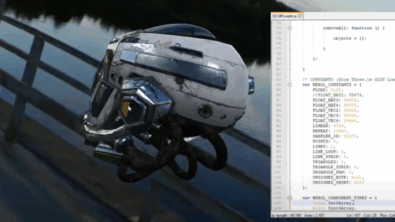
Add 3D visualization to your web apps with PLM Vis Web β€” a lightweight, browser-based JT toolkit for developers. No installs. Fast integration.