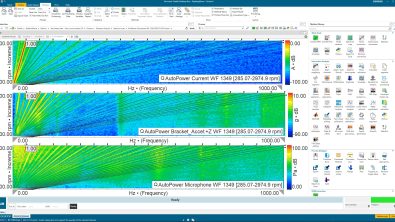
Achieve greater efficiency in structural dynamics testing with complete next-generation workflows

What’s new in Simcenter Testlab 2606
Simcenter Testlab Neo 2606 introduces complete next-generation structural dynamics workflows that connect virtual instrumentation, data acquisition, modal analysis, virtual point transformation, and model validation in a single integrated environment. New capabilities help engineers streamline setup, accelerate FRF acquisition, improve modal model validation, gain deeper insight into interface dynamics, and strengthen test-simulation correlation, delivering up to 35% average efficiency gains across the structural dynamics workflow.
Structural dynamics testing is becoming increasingly demanding. Structures are lighter, designs are more complex, and engineers are expected to identify, understand, and validate more modes than ever before, often under tighter schedules and with fewer experienced specialists available. What once required deep expertise in isolated tools now requires teams to connect data, decisions, and validation across an entire workflow.
The challenge is no longer simply measuring a structure. It is doing so efficiently, while maintaining confidence from initial setup through final model validation.
Our latest release addresses this challenge by bringing complete next-generation structural dynamics workflows together in a single integrated environment: Simcenter Testlab Neo. From virtual instrumentation and data acquisition to modal analysis, virtual point transformation, and model validation, every step is designed to remain integrated. By reducing manual handovers, minimizing workflow interruptions, and streamlining analysis activities, we help teams achieve up to 35% efficiency gains across the complete structural dynamics process
Why structural dynamics workflows need to change
For many teams, structural testing workflows still involve multiple disconnected activities. Engineers spend valuable time preparing geometry, configuring instrumentation, transferring data between applications, validating measurements, and manually correlating models. As structures become more sophisticated, these inefficiencies scale rapidly.
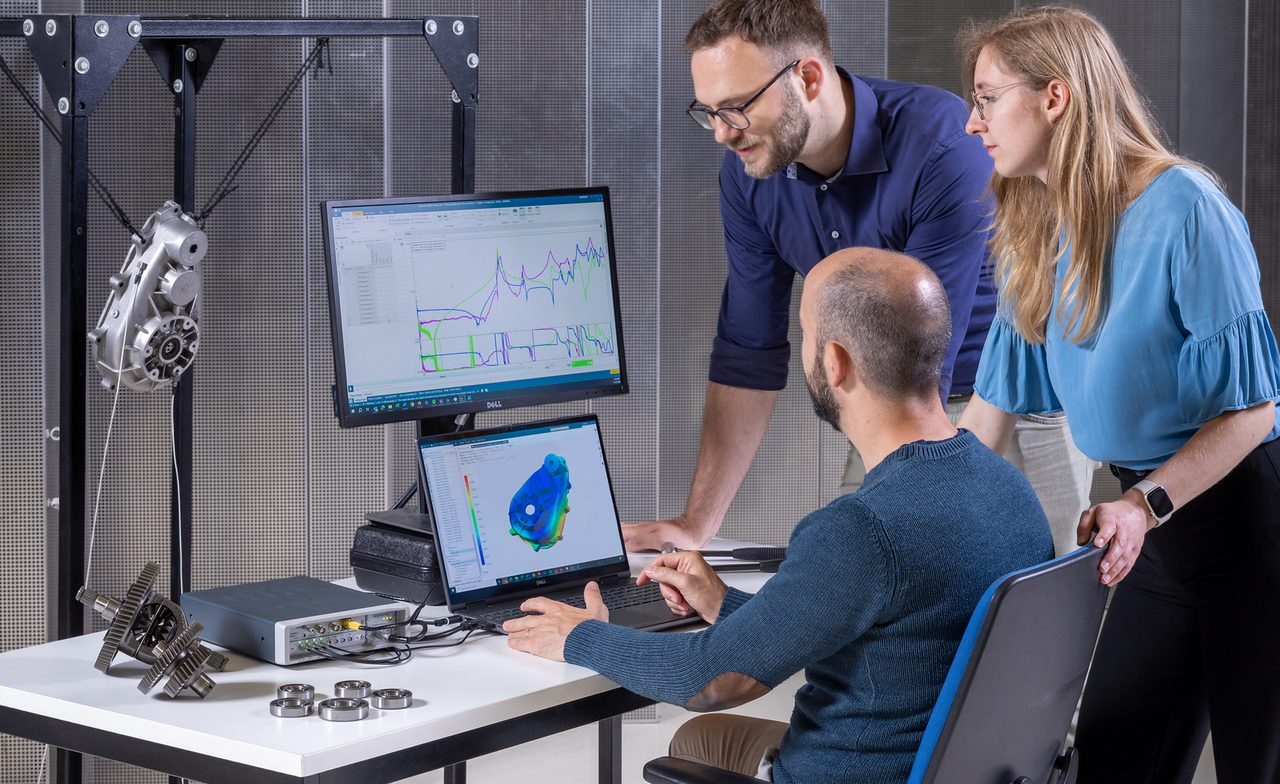
The result is familiar: more data to manage, more modes to identify, more measurements to validate, and less time to deliver answers.
Building on the already available functionalities, this release focuses on eliminating these workflow barriers. Rather than treating acquisition, analysis, and validation as separate activities, it creates an integrated test environment where information flows naturally from one stage to the next. This enables engineers to spend less time managing data and more time understanding structural behavior.
Streamlined data acquisition: From virtual setup to physical measurement
The foundation of accurate structural dynamics analysis lies in precise data acquisition. Measuring high quality FRFs relies on dedicated data acquisition solution, tailored to the excitation used (hammer or shaker and acoustic sources). The possibility to create a virtual replica of the test setup with CAD-based virtual instrumentation drastically reduce the errors that are often introduced in the preparation phase. This release introduces a suite of improvements designed to optimize your data collection process, ensuring you start your analysis with the highest quality data.
Virtual instrumentation enhancements: Bridging the digital and physical worlds
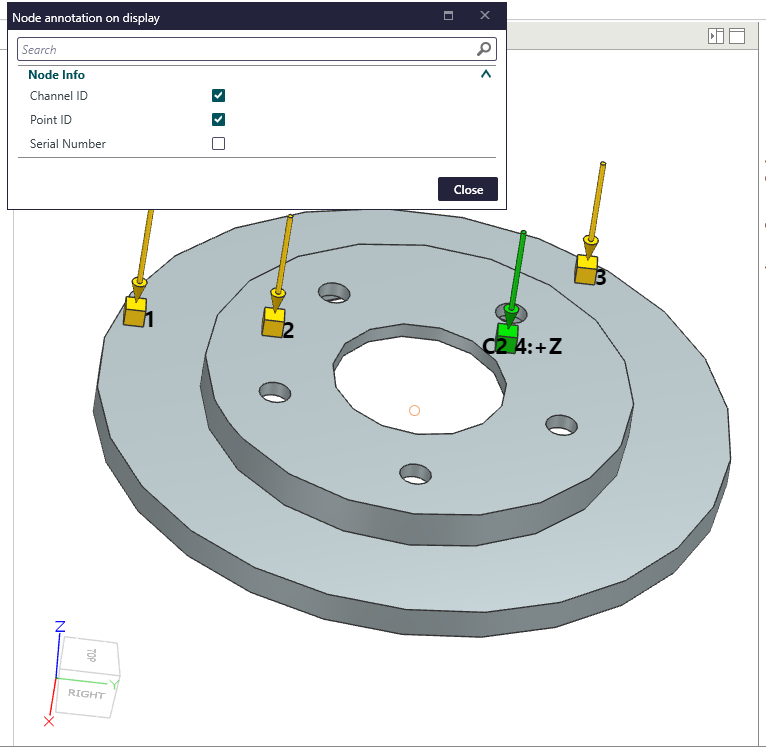
Preparing for a test often involves intricate setup, and Simcenter Testlab 2606 makes this process more intuitive and robust. Our virtual instrumentation capabilities are further enhanced to ensure that your digital models seamlessly translate to your physical test setup:
- Clearer test setup visualization: With the ability to show Point ID and Channel ID directly on your CAD display, navigating and validating your test setup becomes significantly easier. You can now visualize point IDs, channel IDs, and serial numbers directly on your CAD models, ensuring every sensor is precisely where it needs to be.
- Advanced sensor definition: The support of driving point and combined sensors in the library introduces enhanced sensor definition. This means you can now define multi-sensing elements within a single sensor model, providing proper support for combined sensors such as impedance heads and facilitating driving-point measurements in roving configurations.
- Integrated data management for geometry: All geometry information, including Virtual Instrumentation and CAD files, can now be published and retrieved from Testlab Data Management. This ensures that your complete test setup, from virtual models to sensor placements, is consistently managed and easily accessible, fostering better collaboration and traceability.
Efficient and flexible data collection: Impact and shaker acquisition
Once your virtual setup is perfected, it’s time to setup your actual experiment. Whether you plan to use an impact hammers, a shaker or an acoustic source to measure Frequency Response Functions, we got you covered. Impact acquisition was designed to support customer collecting data during large measurement camapign with many excitation DOFs, possibly using multiple hammers to merge results on the fly. Thanks to smart hit selection, the best impacts are automatically selected to maximize consistency, boosting data quality and overall efficiency.
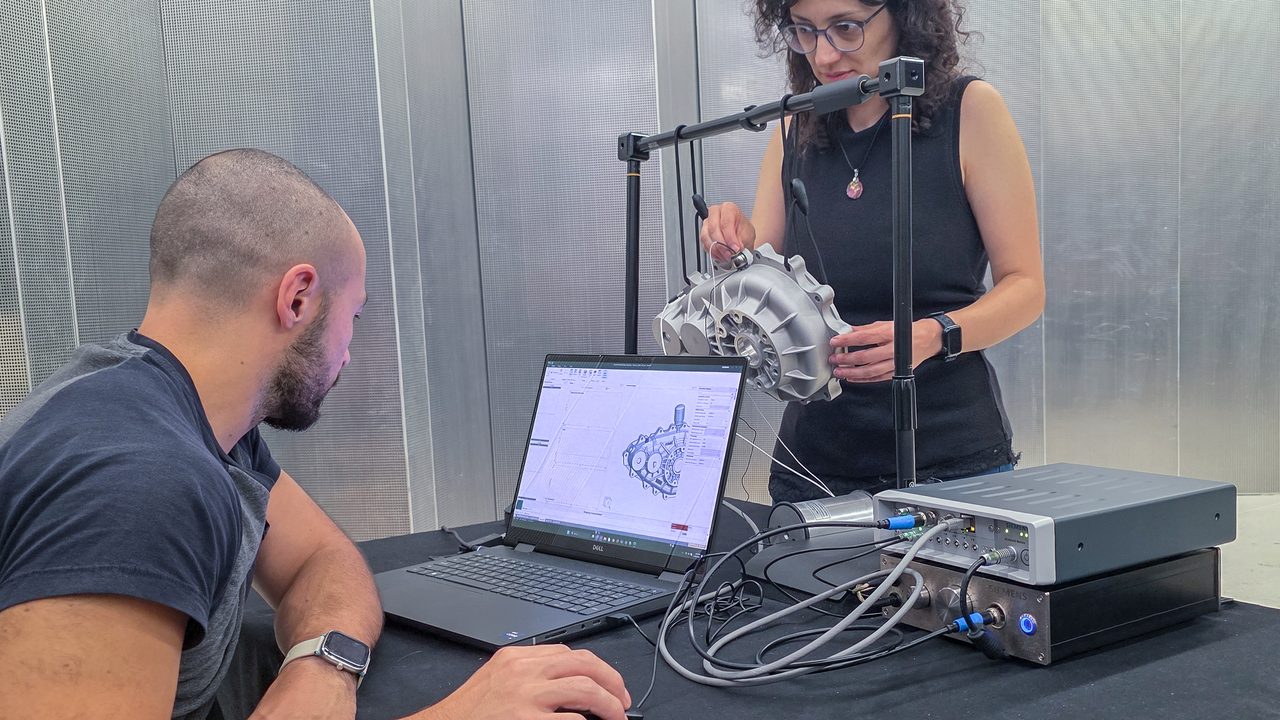
This release completes the supported workflows by providing powerful tools for efficient, flexible physical data acquisition, whether you’re conducting impact or shaker tests.:
- Dedicated shaker acquisition solution: A new, dedicated solution for source-driven acquisition is now available in Simcenter Testlab Neo, specifically designed to streamline Frequency Response Function (FRF) measurements using shakers. This specialized tool simplifies complex shaker and acoustic sources test setups, making them more accessible and efficient for engineers working with controlled excitation.
- Flexible measurement campaign modes: We understand that not all tests are created equal. Users have now the option to choose between a full campaign mode for large, predefined measurements and a simpler, measurement-by-measurement workflow for acquiring fewer FRFs or for more exploratory testing. This adaptability offers greater control and a familiar experience for those who prefer a traditional point-by-point measurement approach.
- Improved guidance for setup: To help users quickly get up to speed, a “Quick start: impact acquisition” pane in the impact setup task provides clear, step-by-step guidance, making the learning curve smoother and accelerating your workflow for impact testing. Suggested values for selected setup parameters further help users make the right choice and obtain more reliable data.
Deeper structural understanding through complete next-generation workflows in Simcenter Testlab Neo
Once your high-quality data is acquired, the next critical step is to analyze it effectively to understand the dynamic behavior of your structures. Simcenter Testlab 2606 provides powerful and intuitive tools to delve deep into your data, transforming raw measurements into actionable insights. This section highlights advancements in modal analysis and virtual point transformation, designed to help you unveil the true structural behavior with greater clarity and efficiency.
Faster insight with the modal dashboard
The modal dashboard in Simcenter Testlab continues to evolve, making modal analysis more accessible and efficient for both novice and expert users (Discover the modal dashboard). The recently introduced AI-assisted modal analysis allows user to fully automate the modal analysis process, maximizing efficiency for both novice and experience users. In combination with the dashboard approach, optimal results can be obtained much faster and with significantly less iterations than before.
But of course this only covers the first step of the process. Here’s a couple of additions that will support users throughout the workflows:
- Enhanced model quality assessment with new synthesis task: For a more detailed assessment of your modal model’s quality, Simcenter Testlab 2606 includes a new synthesis task. This powerful feature allows you to synthesize Frequency Response Functions (FRFs) from your identified modal model and directly compare them with your measured FRFs. This direct comparison provides a robust method for validating your modal model’s accuracy and ensuring its reliability for further analysis and prediction.

- Detailed mode shape visualization: To provide a comprehensive understanding of structural deformation, the list mode shapes values dialog allows users to examine detailed mode shape values. This feature enables you to verify data availability and easily identify degrees of freedom with the highest deformation in a structured grid format, offering crucial insights into how your structure deforms at specific frequencies.
Gaining deeper component understanding: Virtual Point Transformation
Understanding the interface dynamics of components is crucial for accurate system-level predictions. Tools such as virtual point transformation helps estimating the interface dynamics with indirect methods. Both automatic and highly interactive manual methods are possible to only retain good indicators, maximizing the quality of the transformation. Changes to the geometry definition are also easily propagated to the results.
But obviously we want to keep improving our solution to provide even richer insights in the results: Users can now obtain dynamic stiffness as an outcome of virtual point transformation. This powerful addition provides a “dynamic fingerprint” of component interface behavior, which is invaluable for identifying resonances and accurately predicting vibration transmission. Virtual Point Transformation continues to provide trusted interface dynamics even where direct measurements are difficult or impossible, now with the added benefit of dynamic stiffness characterization.
Confident validation for complex structures
After acquiring and analyzing your data, the final, equally critical step is to validate your models. Simcenter Testlab 2606 empowers you to do this with enhanced confidence, ensuring that your models accurately represent the real-world behavior of your structures. This section highlights advanced tools designed to fine-tune your models and correlate them with simulation results, leading to more reliable predictions and design decisions.
Optimizing for precision: Maximum Likelihood Estimation of a Modal Model (MLMM)
For challenging structures, achieving precise modal parameters can be complex. Simcenter Testlab 2606 introduces a sophisticated algorithm to address this:
- Advanced algorithm for complex structures: The Maximum Likelihood Estimation of a Modal Model (MLMM) is a powerful new algorithm integrated in Simcenter Testlab Neo. This method is particularly effective for optimizing modal parameters in large, high-modal-density, and highly damped structures, where traditional methods might struggle. MLMM helps you extract the most accurate and reliable modal properties from your data. Leveraging MLMM in Simcenter Testlab
- Immediate validation and comparison: With MLMM, you can benefit from immediate comparison of original and optimized modal models. This includes clear visualizations such as MAC (Modal Assurance Criterion) displays and FRF synthesis overlays, allowing you to instantly assess the improvements and validate the refined modal model against your measured data. This direct feedback loop ensures that your optimized model truly reflects the physical reality.
Strengthening the correlation between Test and Simulation
Comparing your test results with your simulation models is paramount for robust design and validation. Our software provides enhanced tools to support correlation, enabling teams to validate their analytical models with greater confidence. By comparing experimental modal data with simulation results, engineers can identify discrepancies, refine their finite element models, and ultimately build more accurate predictive models. This seamless integration between test and simulation is vital for a comprehensive structural dynamics workflow Simcenter Testlab Neo Modal Correlation.

Efficiency gains enabled by the complete next-generation workflows
Simcenter Testlab Neo 2606 unifies structural dynamics testing, streamlining everything from setup to validation in a single environment. It empowers engineers to solve complex challenges with new levels of efficiency and accuracy. But what does this mean in practice for you?
We put Simcenter Testlab Neo to the test against traditional workflows using industrial-grade setups and expert users. The results were clear: across Impact and Shaker Testing, Modal Analysis, and Virtual Point Transformation, we observed a 35% average efficiency gain (some concrete examples below). Thanks to integrated workflows and automated iterations, you can now achieve high-quality results significantly faster. Here are a few examples:
- Manual modal analysis: Even before engaging AI assistance, the new modal dashboard allows you to iterate on pole selection and validation much faster by eliminating the need to jump between multiple workbooks. You gain up to 45% faster analysis without sacrificing the accuracy and stability of the industry-standard PolyMAX estimator.
- Shaker acquisition: Proper source definition is critical for FRF acquisition. The new solution optimizes this phase, allowing you to quickly iterate on source parameters and verify signals in a single environment. By removing the friction of switching workbooks, setup time is reduced by up to 33%.
- Multi-Hammer Data Merging: Testing with multiple hammers in parallel and merging results on the fly significantly reduces post-processing time. Users can adjust hammer parameters at any moment and see the effects on the results instantly. This streamlined workflow delivers up to 37% efficiency gains.
Combined with recent innovations, these new capabilities drive even greater efficiency. From AI-assisted modal analysis and MLMM to enhanced instrumentation and correlation, this release optimizes your entire workflow for faster, more confident engineering decisions.
Ready to transform your structural dynamics testing? Discover how Simcenter Testlab 2606 boosts productivity for your users, from novice to expert. Explore today!