Discover What’s New in Optimize my plant 2606

Optimize my plant 2606 is here, and it is built for one thing: faster, smarter factory decisions.
With enhanced 3D visualization through integration with Digital Twin Composer, stronger API integration, richer factory map context, and improved analytics, Optimize my plant 2606 empowers operations leaders with simulation backed decision making capabilities to reduce risk, improve throughput, and respond with confidence to changing demand, resource constraints, and production priorities. Let us discover what does this release bring.
Digital Twin Composer Integration
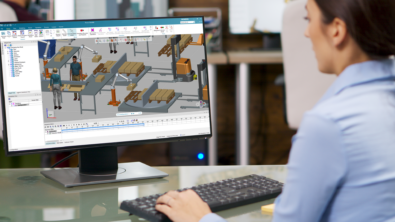
Optimize my plant 2606 brings decision-making to life with direct Digital Twin Composer integration. Instead of reviewing static outputs and trying to imagine impact, teams can now generate USD assets during Model Explorer execution, play back scenario animations after simulation runs, and export value clips for richer visual storytelling.
Why this matters: faster alignment. Engineering, operations, and leadership can look at the same visual scenario and agree on what to change before changes hit the shop floor. That means fewer interpretation gaps, fewer late surprises, and more confidence when moving from simulation to execution.
Alexa Library Updates (v2.1.1)
The 2606 release includes Alexa Library 2.1.1 updates to improve integration stability, experimentation throughput, and performance in statistics-heavy workflows.
Technical highlights
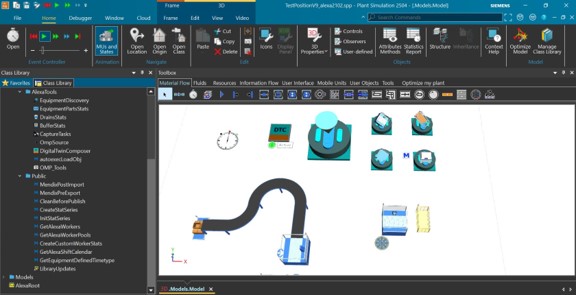
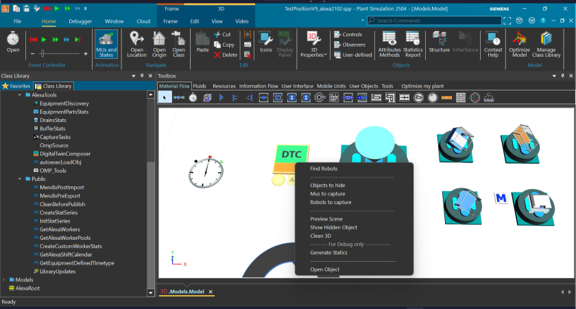
- New DTC tool for direct Digital Twin Composer connection
- Automated USD generation via DTC tool
- Performance and bug fixes for BufferStats, DrainStats, and Equipment Parts stats
API integration enhancements
OMP 2606 strengthens API-driven interoperability, so your digital twin is connected to the systems your business already runs on. Master data, project-level data, and KPIs can now flow more easily across your ecosystem, with support for up to 10 server users created by admins.
This unlocks a high-value loop: import planning and operational context, run optimization and calibration scenarios, and push insights back into enterprise reporting and decision processes. In short, less manual stitching and more scalable, repeatable decision intelligence. Explore more information.
Typical integration pattern
- Ingest structures and planning data from systems such as Teamcenter, ERP, and MES
- Feed operational KPIs and asset metrics (for example availability and MTTR) into scenario models
- Export simulation outcomes to BI/reporting systems for decision governance
Enhanced Factory Map
Factory Map in 2606 evolves into a true operational control layer. Support for JPG, PNG, and PDF gives teams flexibility, while enhanced KPI styling and parameter overlays bring layout, capacity, and workforce context into one visual workspace.
The benefit is speed with clarity. Instead of switching screens to understand constraints, teams can evaluate the physical layout and operational variables together, then act faster with fewer blind spots.
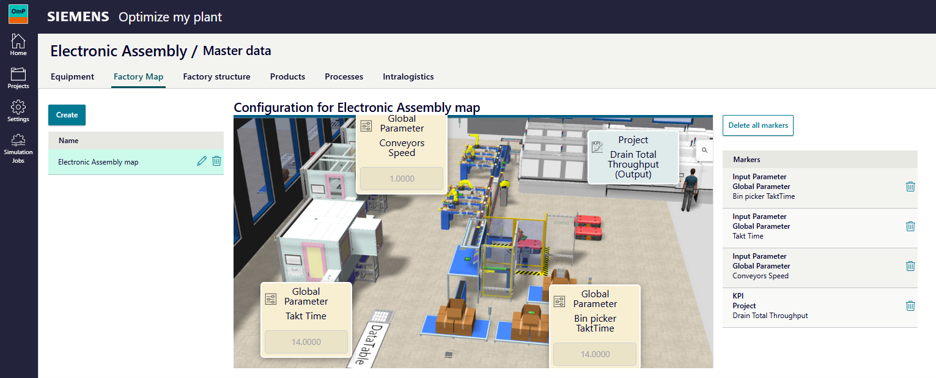
Chart and Data Presentation Enhancements
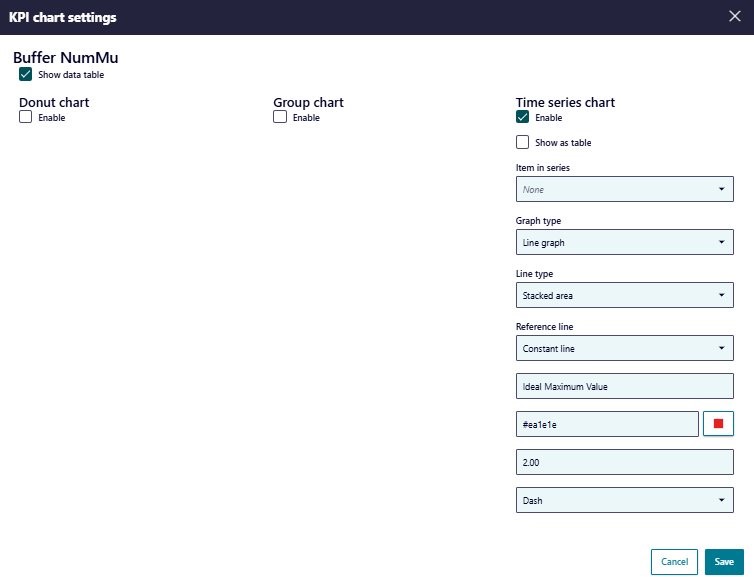
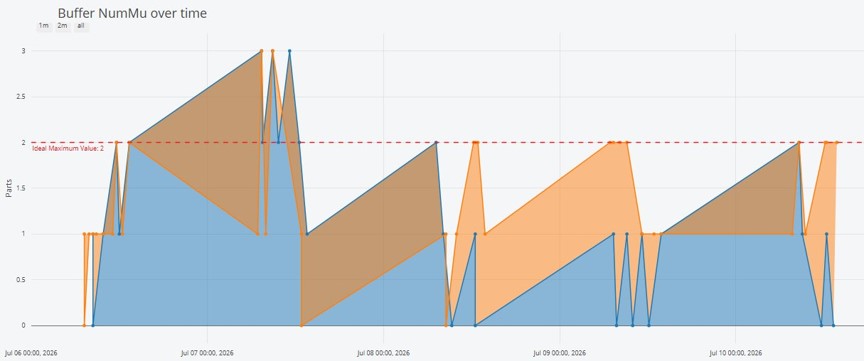
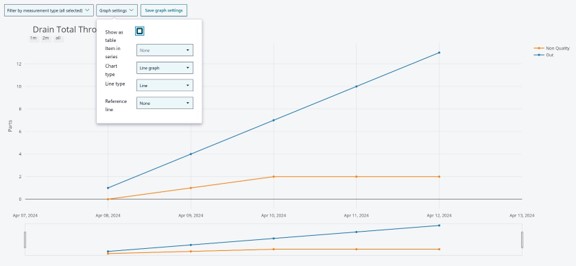
Great decisions depend on clear signals, and 2606 makes those signals easier to read. New constant-line thresholds highlight targets at a glance, chart/table toggles let teams switch views instantly, and stacked-visualization clarity improvements reduce confusion in complex comparisons.
Combined with better aggregation and display performance, teams can evaluate constraints and opportunities faster

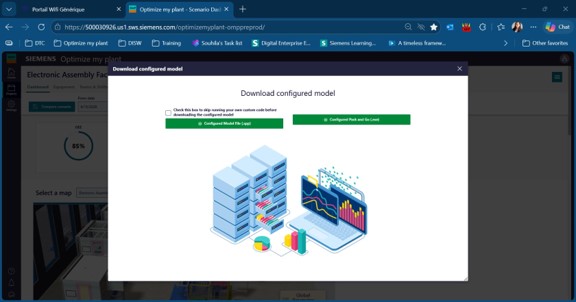
Plant Simulation Pack and Go Support
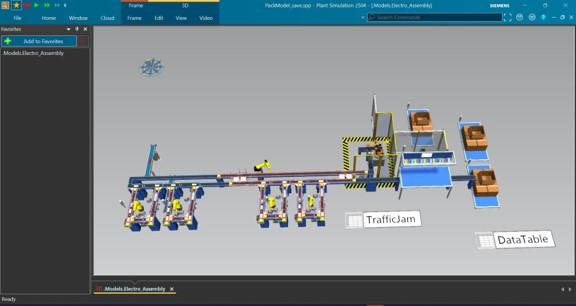
OMP 2606 allows configured scenarios to be downloaded as Pack and Go executables for easier debugging and handoff.
- No installation dependencies needed to debug simulation packages
- Supports faster collaboration between web users and simulation specialists
- Requires Alexa Library 2.1.01 or higher
Optimize my plant 2606 advances technical readiness for simulation-driven operations. By combining better 3D validation, stronger API integration, richer visual context, and faster analytical workflows, this release helps manufacturing teams move from insight generation to confident execution.
Yours in factory simulation,
The Optimize my plant team