Designcenter | How To | Control sketch behavior
Sketching is the foundation of nearly every CAD workflow. Whether you are creating a quick concept, developing a reusable template, or building a configurable product family, the quality of your sketch directly impacts the robustness and flexibility of the final design.
With the June 2026 Designcenter™ software release, we’ve introduced several enhancements that give designers greater visibility into sketch behavior and more control over creating and managing geometric relationships. These capabilities are particularly valuable for engineers developing parametric models that must respond predictably across a wide range of design variations.
Why control sketch behavior
Modern sketching environments accelerate productivity by automatically identifying geometric relationships such as tangency, parallelism, perpendicularity, and midpoint alignment. This intelligent automation helps designers develop geometry quickly without manually applying every constraint.
For many day-to-day modeling tasks, this approach works extremely well. However, designers often need more control when sketches serve as the foundation for configurable products, engineering templates, or automated design studies. In these situations, every relationship must behave consistently as dimensions change, ensuring models remain stable and predictable regardless of the configuration.
A sketch that performs flawlessly in one configuration can become unreliable when subject to dozens – or even hundreds – of parameter variations. Designcenter’s Sketcher addresses this challenge by making it easier to understand, manage, and refine sketch relationships throughout the design process.
Understanding found and persistent relationships
The distinction between automatically detected relationships and persistent constraints is one of the key concepts highlighted in the June 2026 Designcenter release.
Designcenter can automatically identify relationships as you create or manipulate geometry, helping designers sketch naturally and efficiently. These detected relationships provide immediate guidance and feedback, reducing the amount of manual work required during sketch creation.
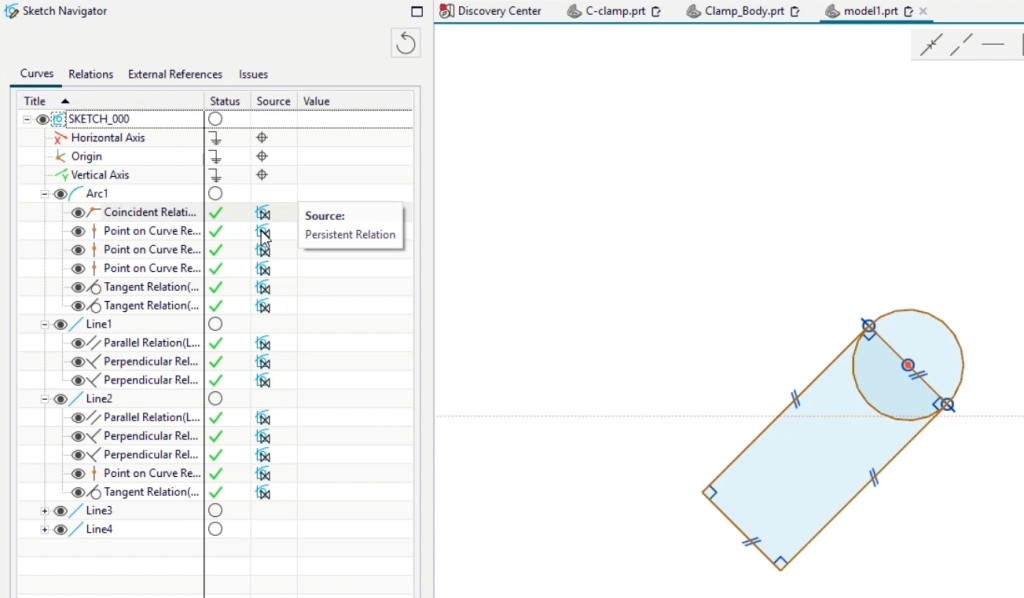
When preserving design intent is particularly important, those relationships can be converted into persistent constraints that become a permanent part of the sketch definition. Designers can choose to retain only the relationships that matter most, eliminating unnecessary constraints while preserving critical behavior. This selective approach provides an ideal balance between flexibility and control.
For organizations that rely heavily on parametric templates, the ability to deliberately manage constraint behavior can significantly improve model robustness and maintainability.
Flexible control through multiple levels of settings
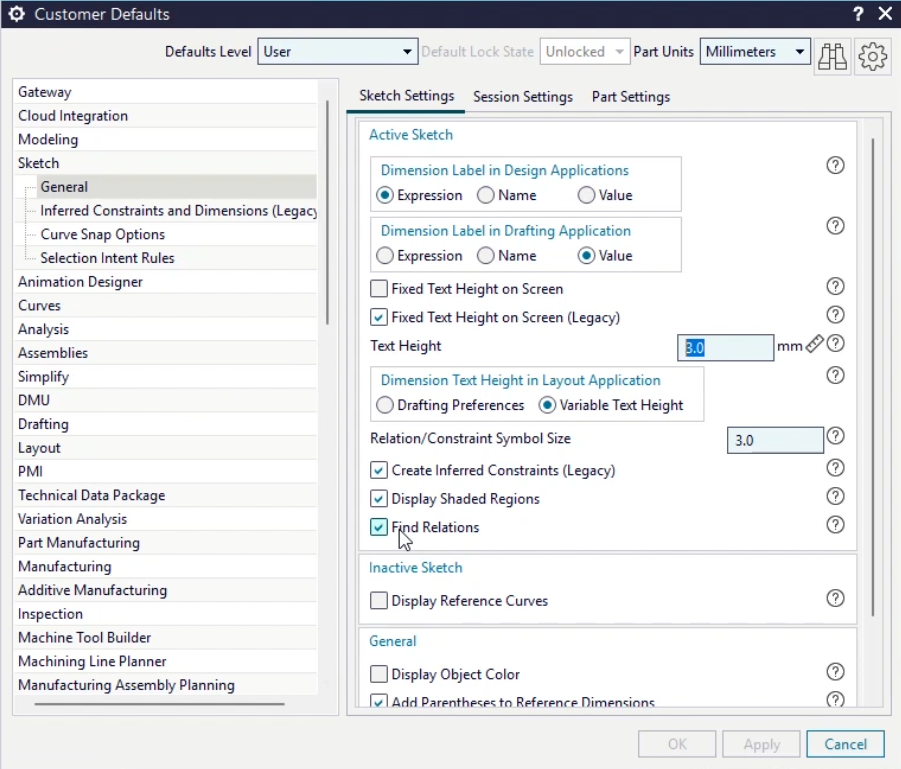
We’ve also enhanced the flexibility available through sketch configuration settings.
Defining behavior through customer defaults, session settings and sketch-specific preferences allows teams to standardize workflows while still giving individual designers the freedom to adjust settings when necessary. Enable or disable features such as automatic relationship creation and automatic expression generation depending on the requirements of a particular project.
This layered approach helps organizations support both rapid conceptual design and highly structured engineering processes within the same environment.
Building smarter parametric models
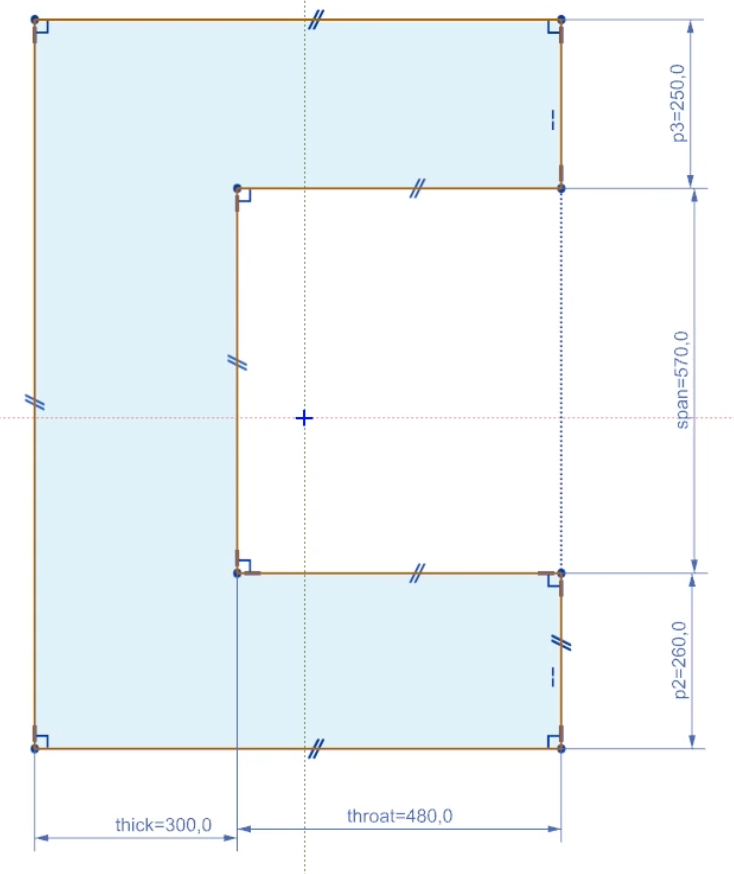
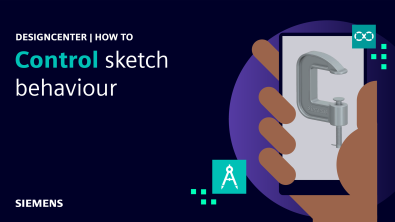
The video demonstrates these concepts using a configurable clamp model. While the example itself is relatively straightforward, it illustrates principles that apply to a wide range of engineering scenarios.
Designcenter links dimensions to named expressions, making it easier to understand the purpose of key parameters and modify designs without searching through generic dimension names. You can clearly identify and adjust important characteristics such as span, throat depth, or material thickness as required.
This approach becomes especially valuable when developing product family templates, configurable engineering designs, automated design studies, optimization workflows, and reusable engineering standards.
By combining carefully defined dimensions with intentional constraint management, designers can create models that respond predictably across multiple configurations while remaining easy to maintain.
Organizing complex sketches with work regions
As sketches grow in size and complexity, managing interactions between different portions of geometry becomes increasingly important.
Designcenter tools such as work regions enable designers to isolate portions of a sketch and prevent unintended interactions between unrelated geometry. This capability can be particularly useful when a single sketch contains multiple functional features or when designers are working with highly detailed layouts.
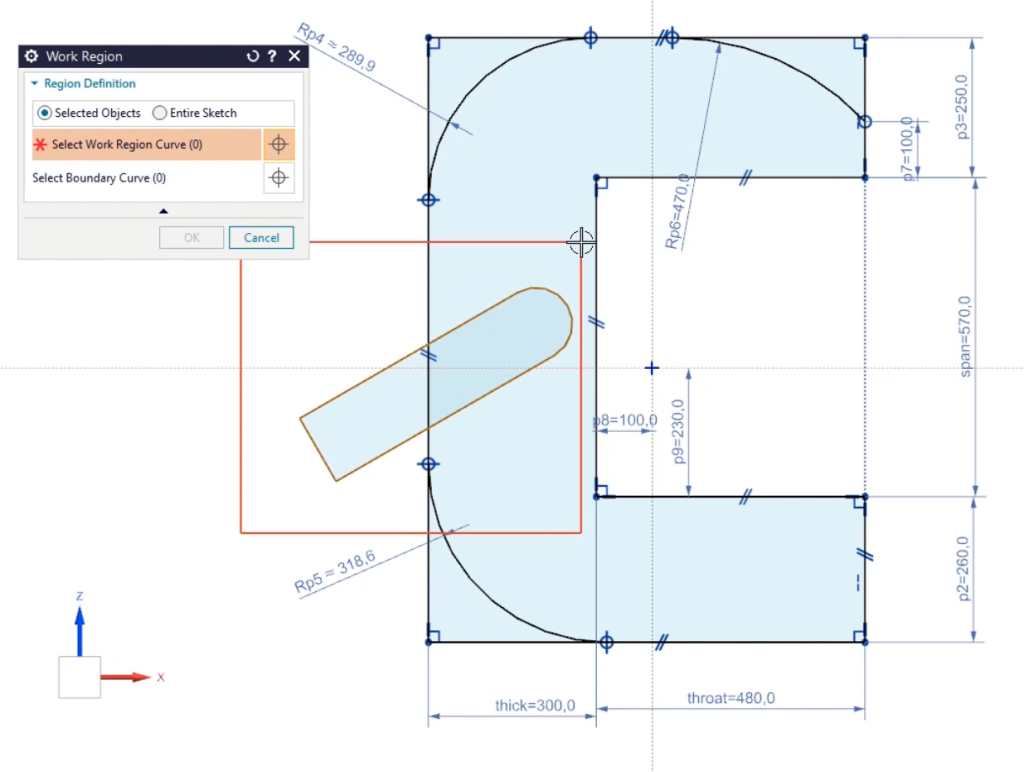
By compartmentalizing sketch activity, you can focus on specific areas without risking changes elsewhere in the design, supporting cleaner and more manageable modeling practices.
Creating reliable geometry for downstream features
A well-defined sketch does more than simply create accurate geometry – it establishes a dependable foundation for downstream operations such as extrudes, revolves and parametric feature updates.
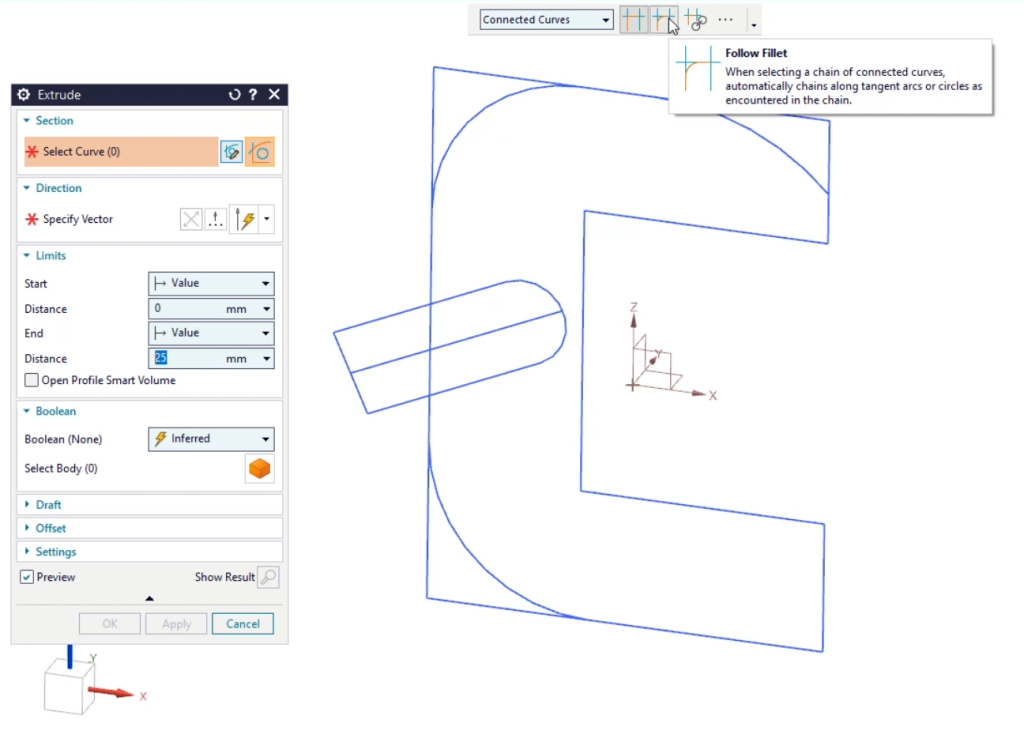
The techniques demonstrated help ensure that sketches remain fully defined and maintain their intended design intent as parameters change. Rather than reacting unpredictably, geometry can update consistently, supporting faster design iteration and reducing the risk of model failures later in the workflow.
For organizations pursuing design automation, generative studies or template-driven engineering processes, this level of reliability can deliver substantial productivity benefits.
Learn more
Sketch is just one of the many Designcenter capabilities that we’ve enhanced in the June 2026 release.
Across AI, cloud collaboration, immersive engineering, and core design workflows, we’ve continued to invest in the tools engineers use every day. Discover the full set of enhancements and see how the latest release helps you design, engineer, and collaborate more effectively.
Read the release blog for all the details.