What’s new in Opcenter X Intosite 2604

New User Interface for the Tour capability
Overview
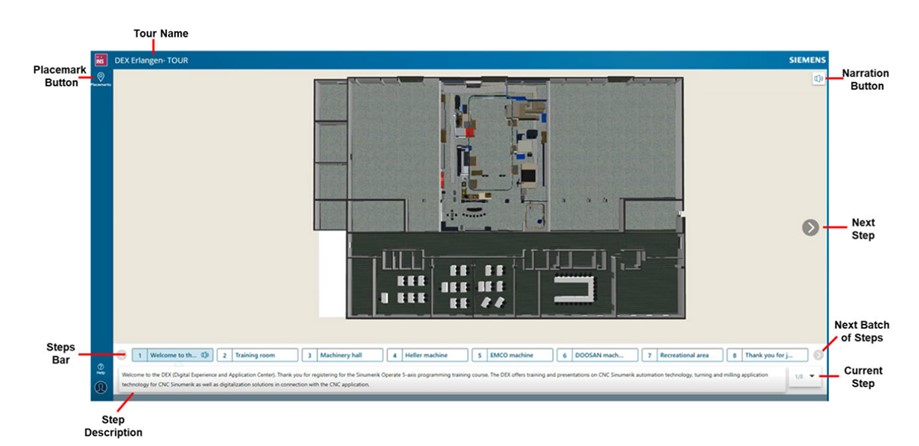
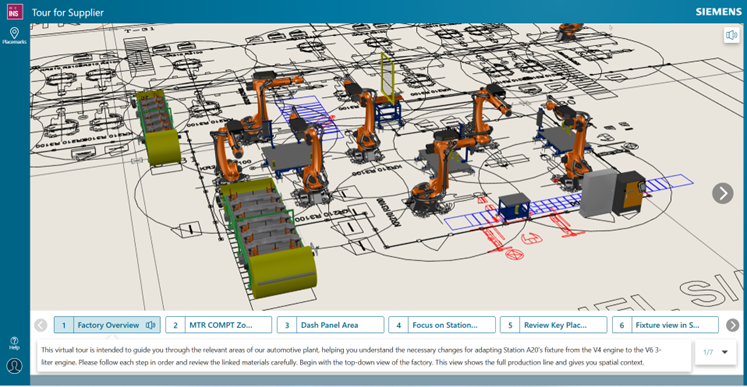
The Tour capability in Opcenter X Intosite allows users to create virtual guided tours of a factory or site. These tours guide users through predefined stations and display relevant views and information at each point. They are commonly used for training and knowledge sharing, for example to provide new employees with an overview of the factory before they access the shop floor.
What’s New?
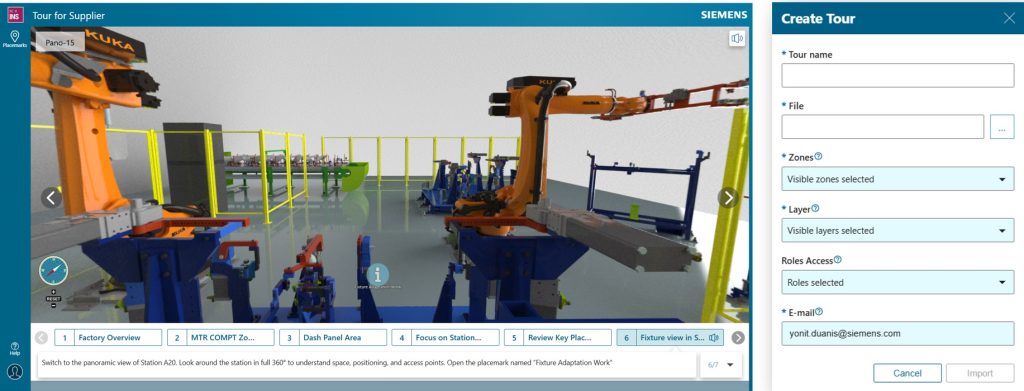
In this release, we introduced a new user interface for the Tour capability. The main goal was to align the experience with the overall Opcenter X Intosite user interface and follow the Siemens Style Guide.
Benefits
- Seamless experience: Users enjoy a consistent interface across the application.
- Easier navigation and Enhanced usability: Modern layout simplifies finding features and content.
- Unified look and feel: Visual consistency improves recognition and reduces confusion.
Address Placemark Enhancement
Overview
This enhancement adds zone-based management for address placemarks, enabling more precise visibility and clearer navigation within a site
What’s New?
Address placemarks can now be assigned and managed at the zone level, enabling zone-based visibility control instead of being limited to site-level management
Benefits
- Enables more context-specific navigation
- Improves clarity and visualization of addresses
- Especially beneficial for large or multi-level facilities
Enhanced Tour Creation with Layer-Based Step Content
Overview
This enhancement simplifies tour creation by allowing steps to automatically include all placemarks from specified layers, making setup faster, easier, and more scalable
What’s New?
Tour’s steps can reference layers directly. This means that instead of listing individual placemarks, users can specify one or more layers in the Tour Excel template, and all placemarks within those layers will automatically be included in the tour step.
Benefits
- Faster tour creation: Steps automatically include all placemarks from specified layers, reducing manual work.
- Simplified setup: Users can assign one or more layers per step via the Excel template.
- Supports complexity: Multiple layers can be included in a single step, making large or complex tours easier to manage.
- Easier maintenance: Updating a layer automatically updates all associated tour steps, saving time and effort.
- Scalable solution: Ideal for factories or sites with many placemarks and dynamic layouts.
Tour Loading Performance Optimization
Overview
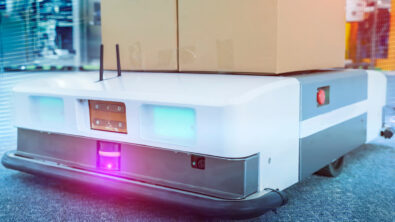
This enhancement focuses on improving tour loading performance in Opcenter X Intosite. Previously, loading a tour could be slower than loading a site, especially for tours with many steps or placemarks.
What’s New?
Tours now load efficiently with performance similar to site loading in the Intosite client when the same layers and zones are applied
Benefits
- Faster loading: Tours now open quickly, even with many steps or placemarks.
- Consistent performance: Tour loading is now on par with site loading.
- Smoother navigation: Users can move through tours seamlessly without delays.
- Enhanced experience: Large or complex tours are easier and more enjoyable to explore.
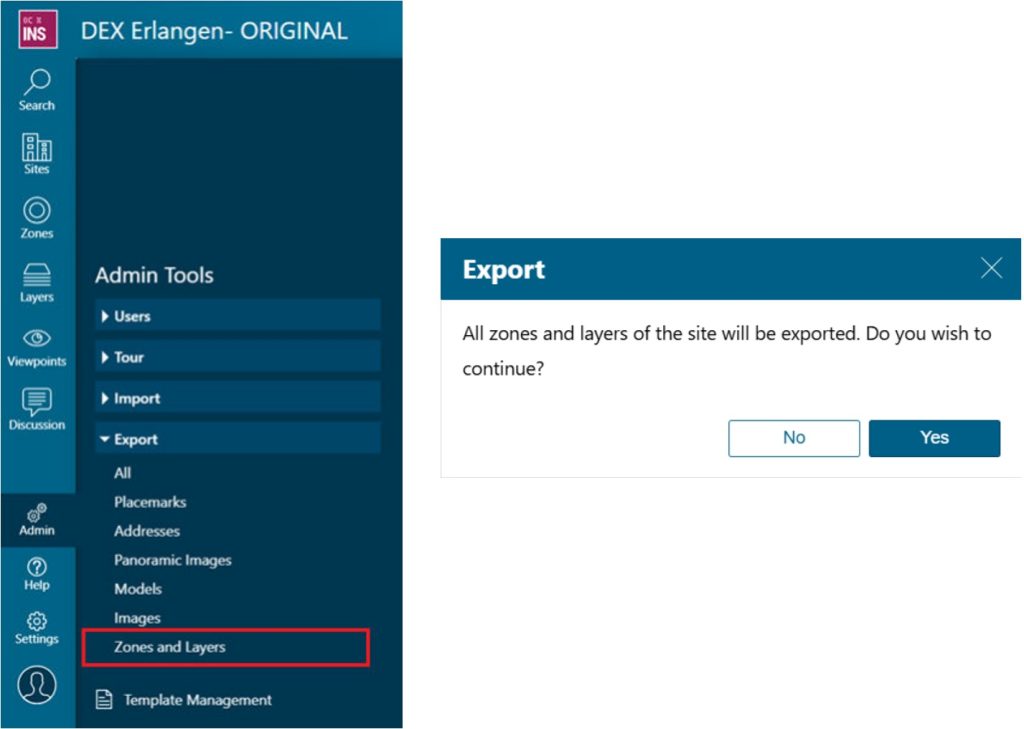
Import/Export Zones and Layers
Overview
This new functionality makes creating and managing zones and layers much easier and more efficient. Previously, admins could only create or update zones and layers manually using the Layer and Zone panels.
What’s New?
Admins can now export existing site structures to Excel, make changes if needed, and import them to create or update zones and layers, simplifying site setup and maintenance.
Benefits
- Automated setup: Create or update site structures quickly without manual entry.
- Easy updates: Modify zones and layers in Excel and import changes seamlessly.
- Faster, scalable management: Efficiently handle large or complex site structures.
- Reduced manual effort: Minimizes repetitive work and errors, saving time.